
Print Factory Owners: The Visual Search Tool That Matches Client Samples in Seconds
Use on-device subject recognition plus visual search to turn your pattern library into a searchable asset—client samples get matched, deduped, and traced in seconds. This article gives a directly runnable workflow for large, confidentiality-sensitive print factories.
Pain and impact: slow matching kills delivery windows
- Proofing delays: digging through drives for ≥30 minutes when clients chase approvals, pushing production backward.
- Reprint mistakes: multiple pattern versions with messy filenames cause wrong colors or sizes to ship.
- Weak compliance: new patterns collide with historic designs, but legal and sales cannot quickly prove lineage.
- Collaboration gaps: sales, designers, plate-making, and production keep separate copies; without the source folder, reuse stalls.
Root causes: why traditional management breaks
- Noisy paths: client/order/date folders mixed together, making search scopes too wide and noisy.
- Non-semantic naming:
final.psdorClientA-v2is unsearchable; teams rely on memory and manual browsing. - Background interference: the same pattern appears on white mocks, fabric shots, or lifestyle photos, confusing whole-image matching.
- No closure to source: seeing a thumbnail is not enough—you still need PSD/AI/hi-res in the source folder to reprint.
Deployment workflow for the print factory visual search tool
Step 1: Layered indexing with tight scopes
Structure by client/SKU/channel so scopes stay clean:
Pattern Library/
  Client_A/
    Pattern_202403/
      Originals/
      Strike-offs/
      Garment_shots/
    Archives/
  In-house/
    Pattern_A/
Pattern_B/- Start with 1–3 high-traffic roots (main library, archive, client zones).
- Exclude temp download/chat folders to lower noise.
- Keep paths stable; avoid frequent renames or moves.
Follow setup steps in First-time setup.
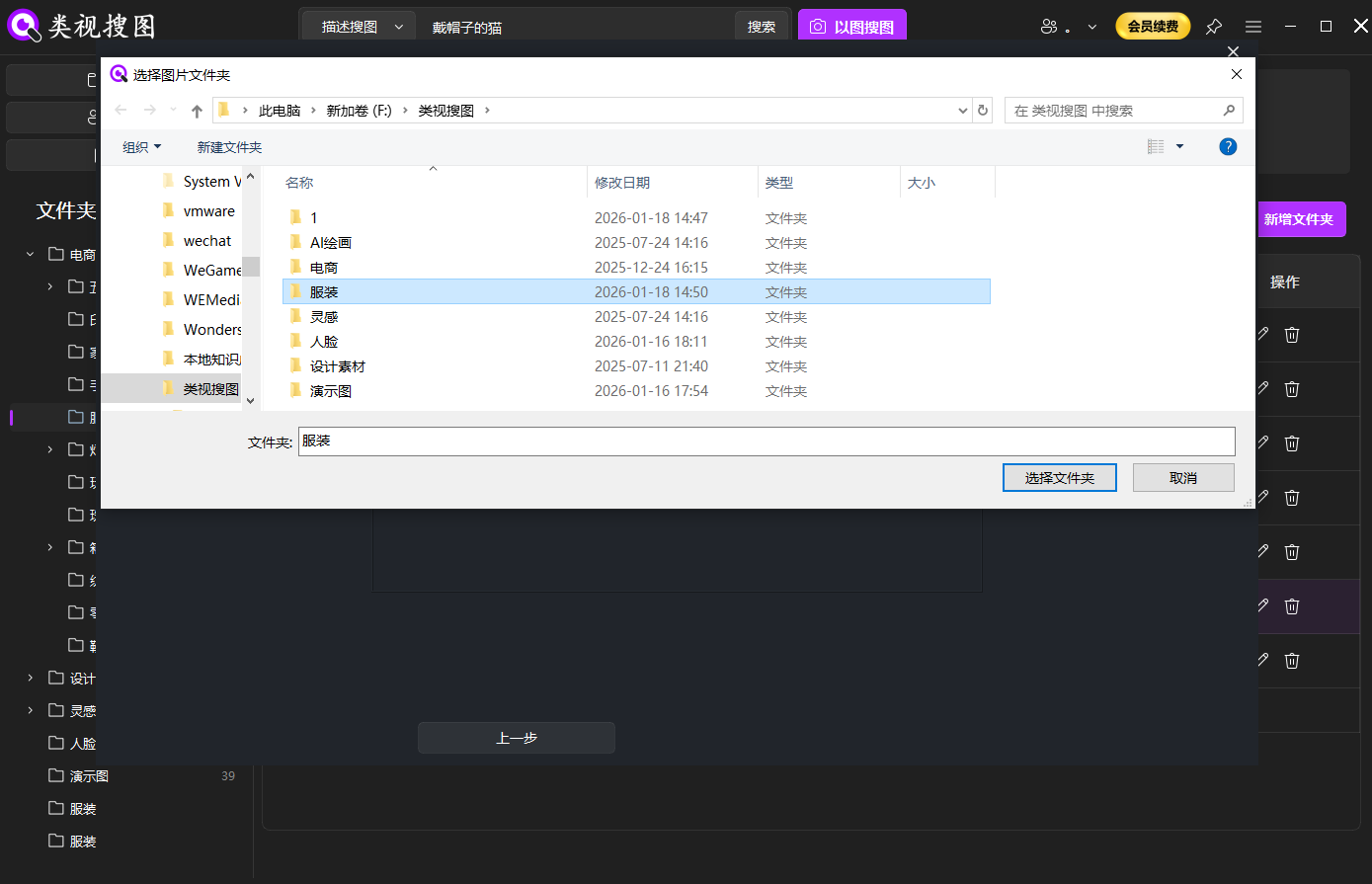 Caption: Index high-traffic pattern folders first so same-pattern search is reliable.
Step 2: Launch visual search with client samples or screenshots
Client inputs may be JPEG/PNG, phone photos of fabric, or proofing screenshots. Drag, paste, or snapshot to start—no filenames required. See details in Local visual search.
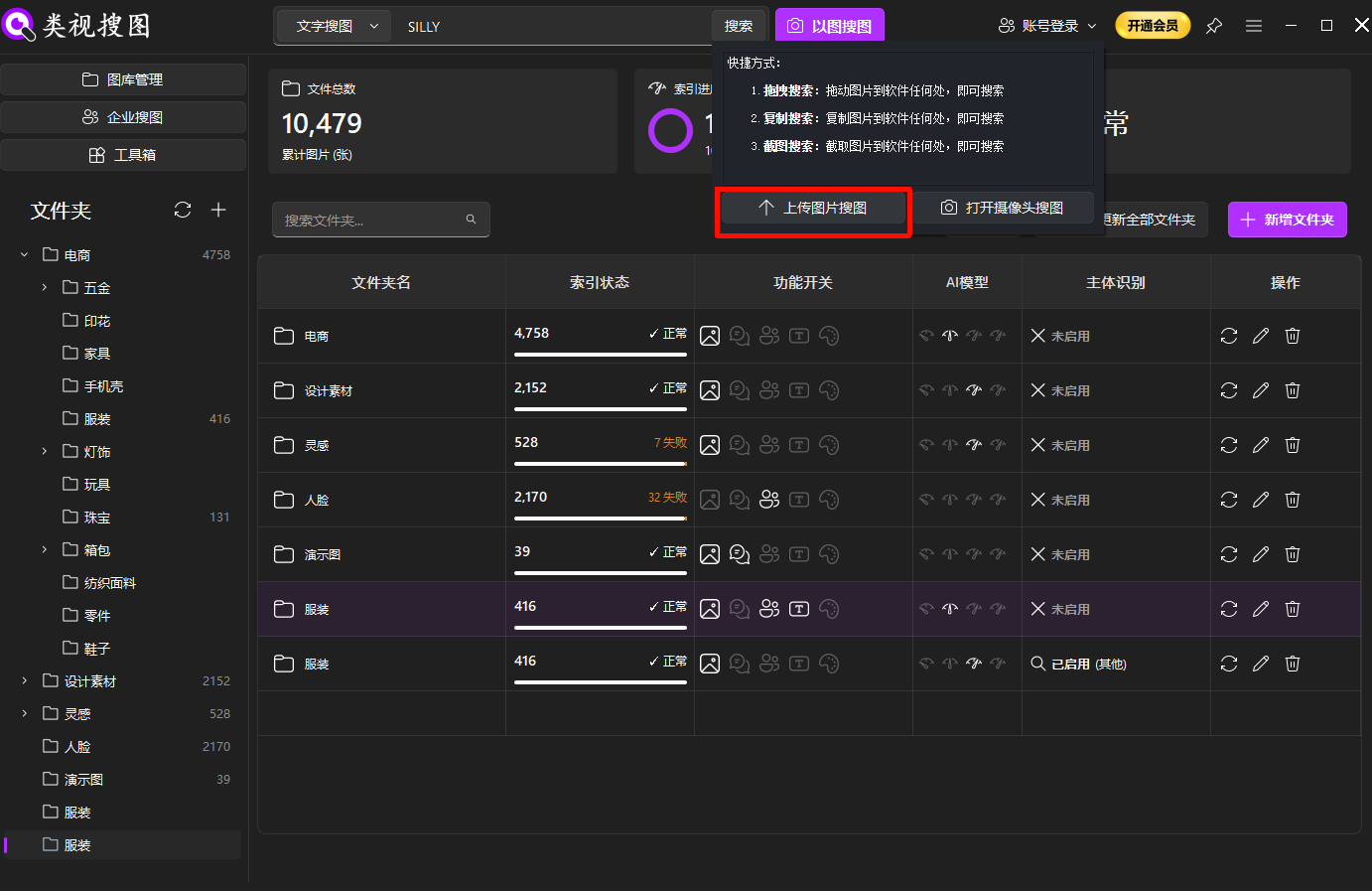 Caption: Drag-and-drop or screenshot to start; it’s far faster than browsing folders.
Step 3: Turn on subject recognition to focus on the pattern
Print scenarios vary by cloth, lighting, and environment. With subject recognition on, the engine matches only the pattern body, sharply reducing noise.
When to enable:
- Same pattern printed on different bases or under different lighting.
- Compliance/avoidance checks where the pattern—not the background—must match.
- Client shares a partial crop; you need to enlarge and match the motif itself.
Learn more in Subject recognition.
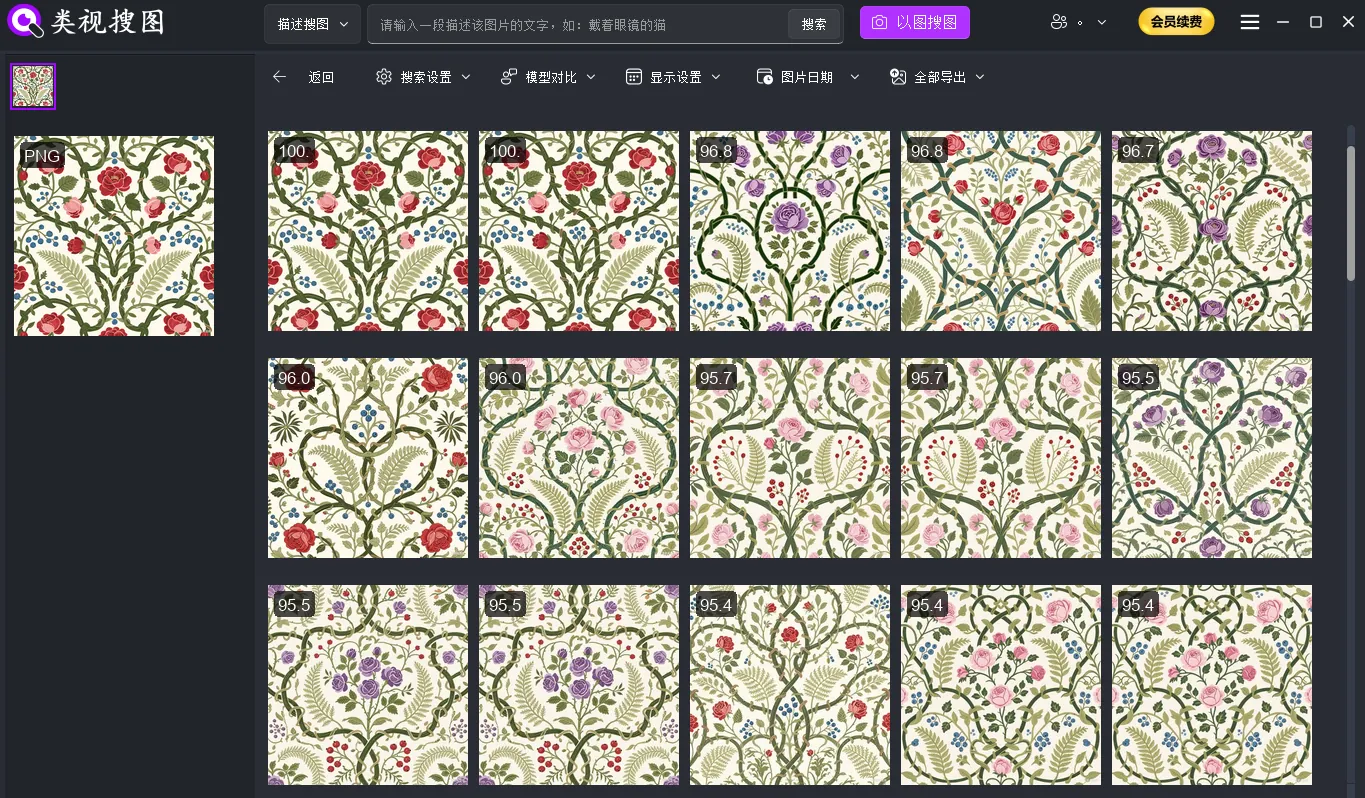 Caption: Subject recognition isolates the pattern, ideal for proofing, avoidance, and deduping.
Step 4: Similarity + folder filters + source-folder jump
Finding thumbnails is not enough; you must land in the source directory:
- Tighten first: raise similarity to lock exact/near-exact matches; relax later for adjacent motifs.
- Filter by folder: constrain to client/order/pattern folders, cutting unrelated libraries.
- Jump to source: one click to the source folder to grab PSD/AI/hi-res and supporting files.
If results are noisy or jumps fail, check index sync and path stability; see FAQ.
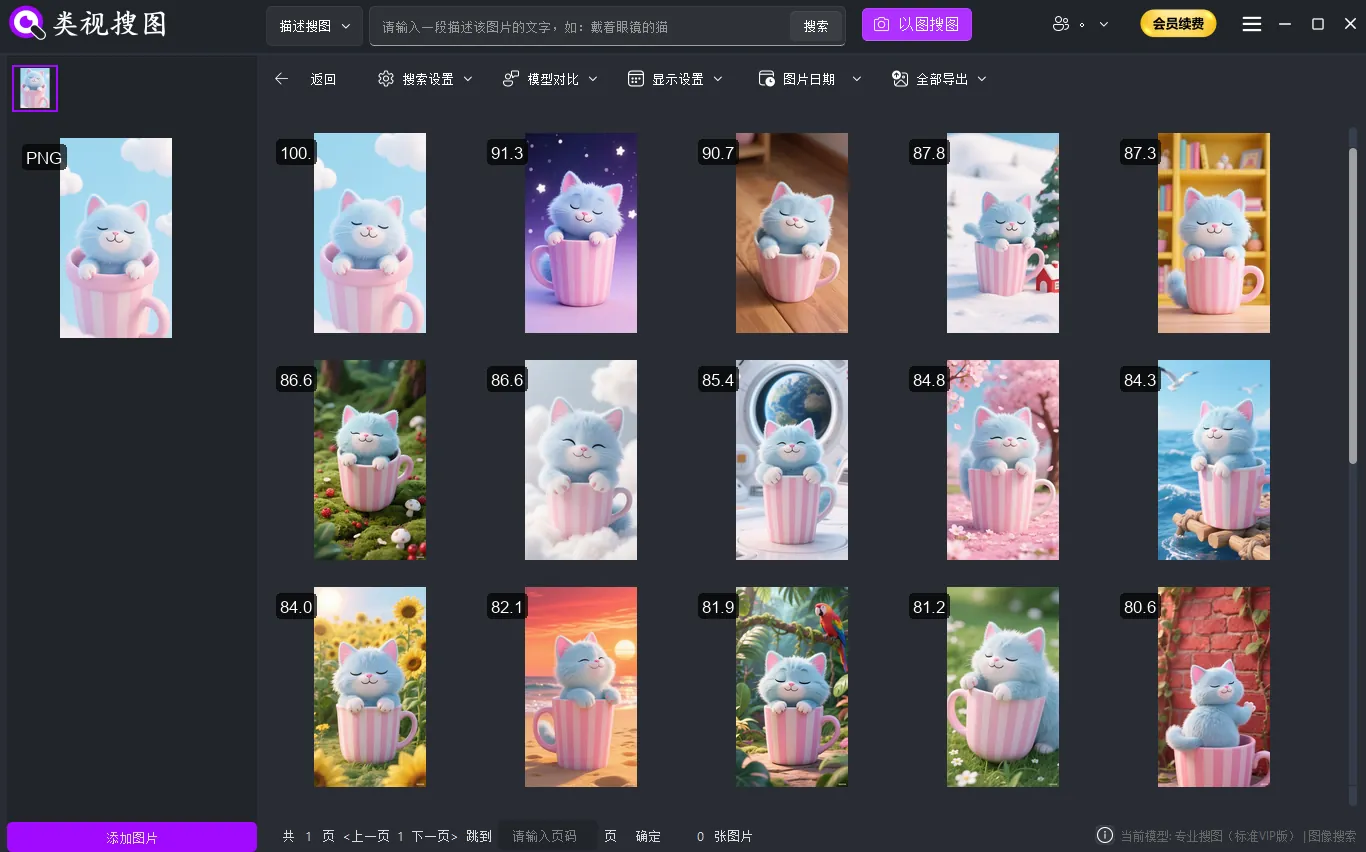 Caption: Constrain results, then jump to the source folder to make files immediately reusable.
Step 5: Delivery loop—reprint, dedupe, archive
- Reprint without rework: export/copy directly from the source folder to avoid redundant retouching.
- Deduping and avoidance: high threshold for exact matches, lower for near matches; keep evidence for sales/legal.
- Cross-team alignment: curate a "ready-to-use" selection folder; sales/design/production share one clean index.
Validation checklist (fast confidence)
- In Library Management, confirm "searchable files ≈ total files" and ensure visual search + subject recognition are on.
- Test three client samples (white mock, scene shot, partial crop) and verify you can jump to the source folder.
- If noise persists, first tighten similarity and scope; then relax gradually. Rebuild or exclude noisy roots if needed.
Maintenance for print factories
- After adding patterns, sync the index in Library Management to keep searchable counts correct.
- Batch migrations only; rebuild the index after moves to avoid broken paths with stale thumbnails.
- Run a same-pattern check before each proof/hand-off to prevent using outdated or wrong sizes.
- Keep a curated "reusable selection" folder and search there first to minimize noise.
Conclusion and CTA
Your bottleneck is not design—it’s whether you can surface usable patterns in seconds. A print factory visual search tool (on-device subject recognition + visual search) delivers instant client matching, history tracing, and compliance checks while keeping all assets local.
Start with one high-traffic folder and three representative client samples to validate the loop. Download now: Download. For multi-team and private deployments, see Enterprise visual search.