
Furniture Image Search Tool: A Complete Local Reverse Image Search Guide
Summary: This guide shows how to manage and search furniture images with FlareSeek. Use AI style recognition, material and color matching, and smart local search to organize furniture libraries and find the right piece quickly.
In furniture and interior design, images are the core working assets. Designers look for inspiration, sales teams match customer requests, and homeowners build mood boards. Traditional folder browsing no longer works. This guide explains how FlareSeek delivers fast, accurate local furniture image search.
Why furniture teams struggle with image search
Common challenges
- Huge volumes of product and inspiration images
- Mixed styles (modern, Nordic, classic, etc.) hard to categorize
- File names cannot describe materials, shapes, or colors
- Similar items across sizes and angles are difficult to distinguish
- Duplicate shots waste storage
- Matching coordinated furniture sets is time-consuming
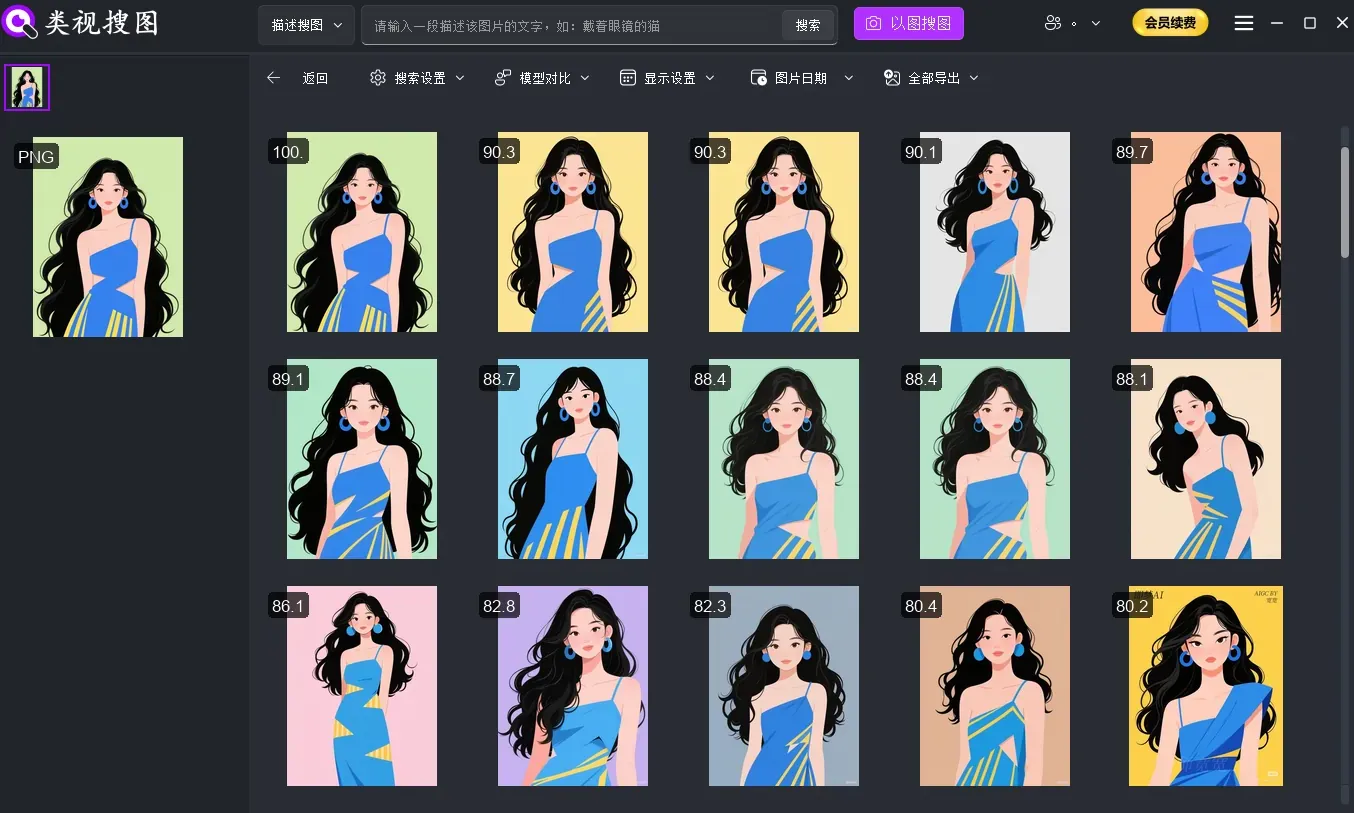
Core needs by role
Furniture designers
- Search by style and shape
- Reuse design elements
- Build a reusable inspiration library
Sales teams
- Match customer reference images quickly
- Compare competing designs
- Manage large product catalogs efficiently
Homeowners and renovators
- Collect inspiration and find similar items
- Compare pieces across brands
- Build coordinated room plans
FlareSeek: local furniture image search built for professionals
FlareSeek is a local AI image search app optimized for furniture workflows. All processing is local, so sensitive designs stay private.
Core advantages for furniture teams
| Feature | Furniture workflow value |
|---|---|
| AI style recognition | Identify modern, Nordic, classic and more |
| Similar image search | Find matching shapes and designs quickly |
| Color and material matching | Search by finish, fabric, or color palette |
| Shape feature recognition | Match lines, proportions, and silhouettes |
| Fully local processing | Protects designs and customer data |
Core features: multiple ways to search furniture
Similar furniture search
Upload a reference image and FlareSeek retrieves similar pieces from your local library.
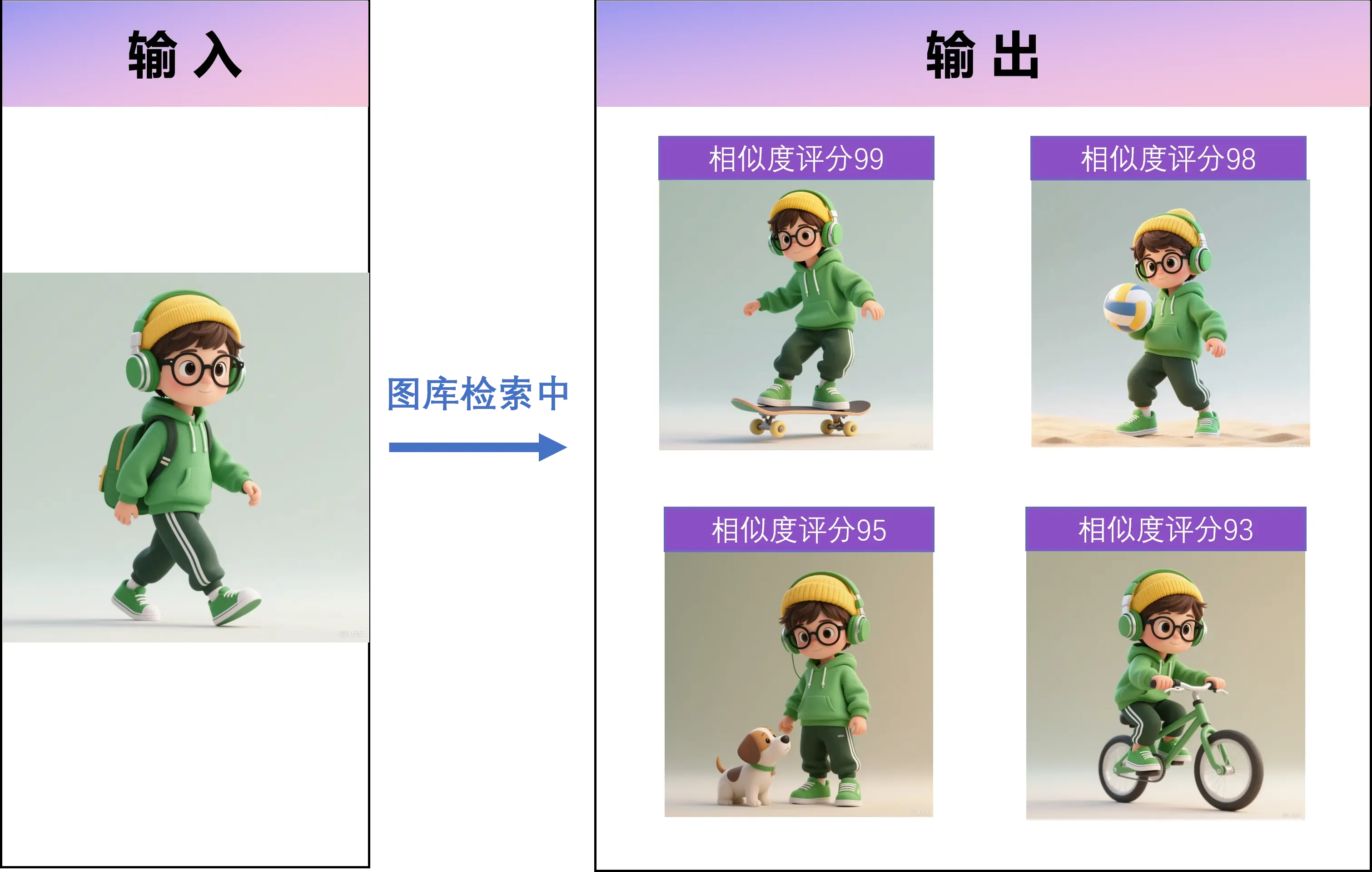
Use cases
- Designers find similar styles in seconds
- Sales teams match customer photos to products
- Homeowners build coordinated sets
Technical strengths
- Recognizes design lines and proportions
- Works across angles and lighting
- Filters background noise
- Ranks results by similarity
Semantic style search
FlareSeek understands style and material descriptions for semantic searches.
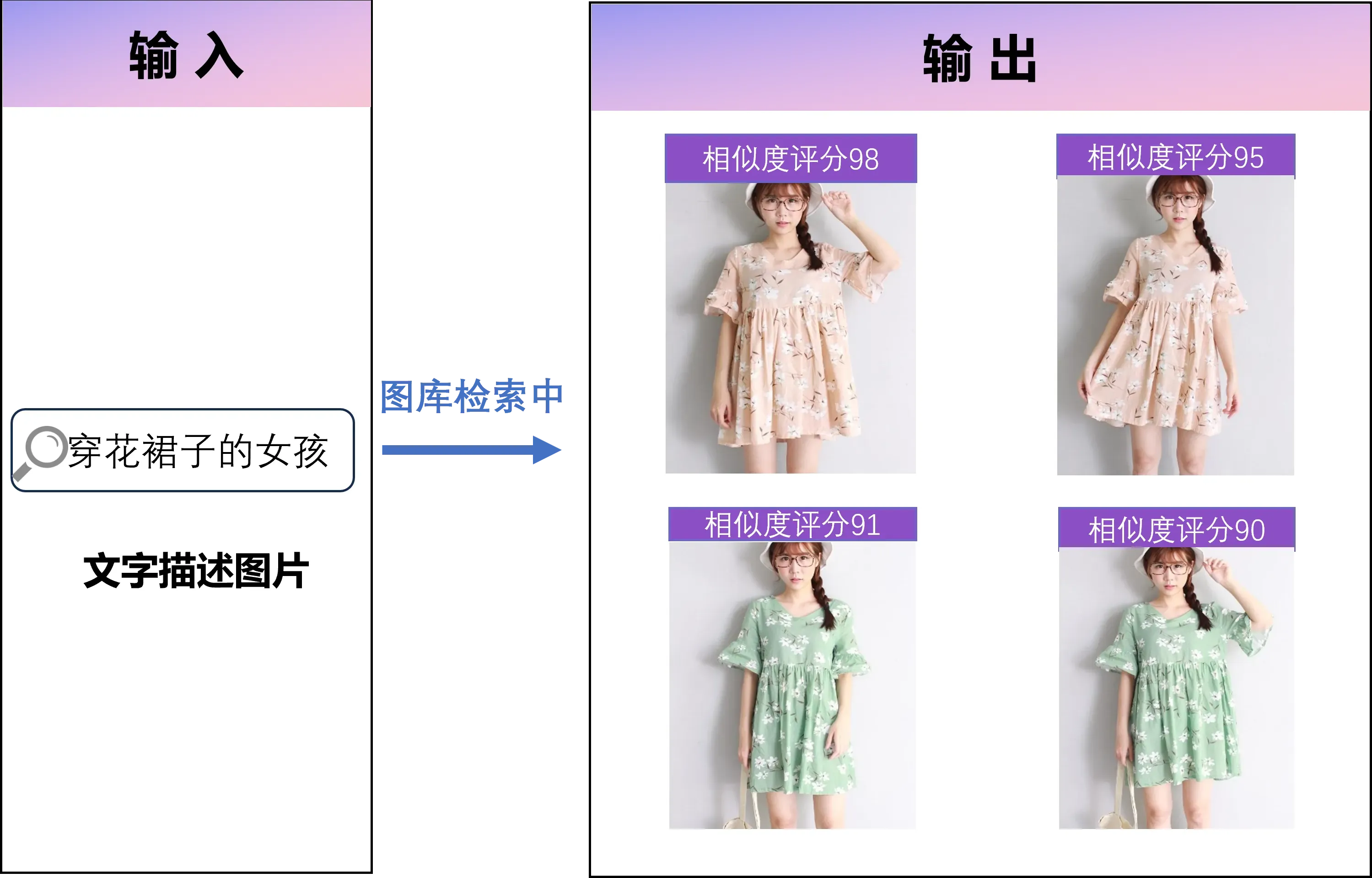
Style queries:
"Nordic minimalist sofa"
"Classic European dining table"
"Chinese solid wood cabinet"
"Modern luxury sideboard"

Material queries:
"solid wood furniture"
"marble coffee table"
"fabric sofa"
"glass dining table"

Function queries:
"double bed"
"wall cabinet with doors"
"dining chair with backrest"
"multi-purpose storage"
Color and finish matching
Color matching is critical in furniture design. FlareSeek supports palette and tone search.
Color search use cases
- Find white furniture sets quickly
- Match dark wood finishes
- Search for gray sofas or neutral palettes
- Organize product catalogs by color
Texture and pattern recognition
FlareSeek can detect surface textures and decorative details.
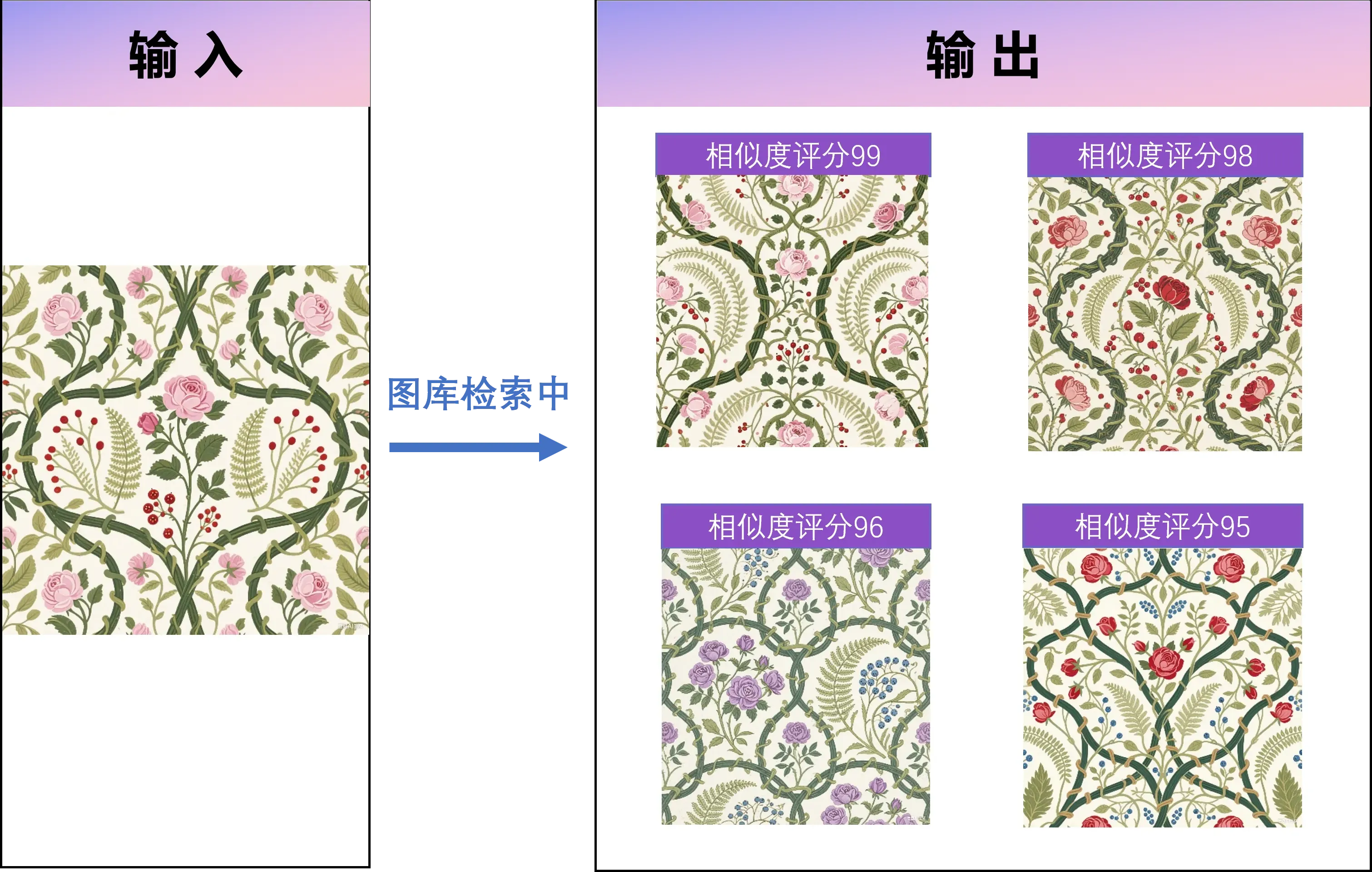
Detail recognition
- Wood grain and veneer textures
- Fabric weave and upholstery patterns
- Metal, glass, and stone surfaces
- Decorative lines, carvings, and inlays
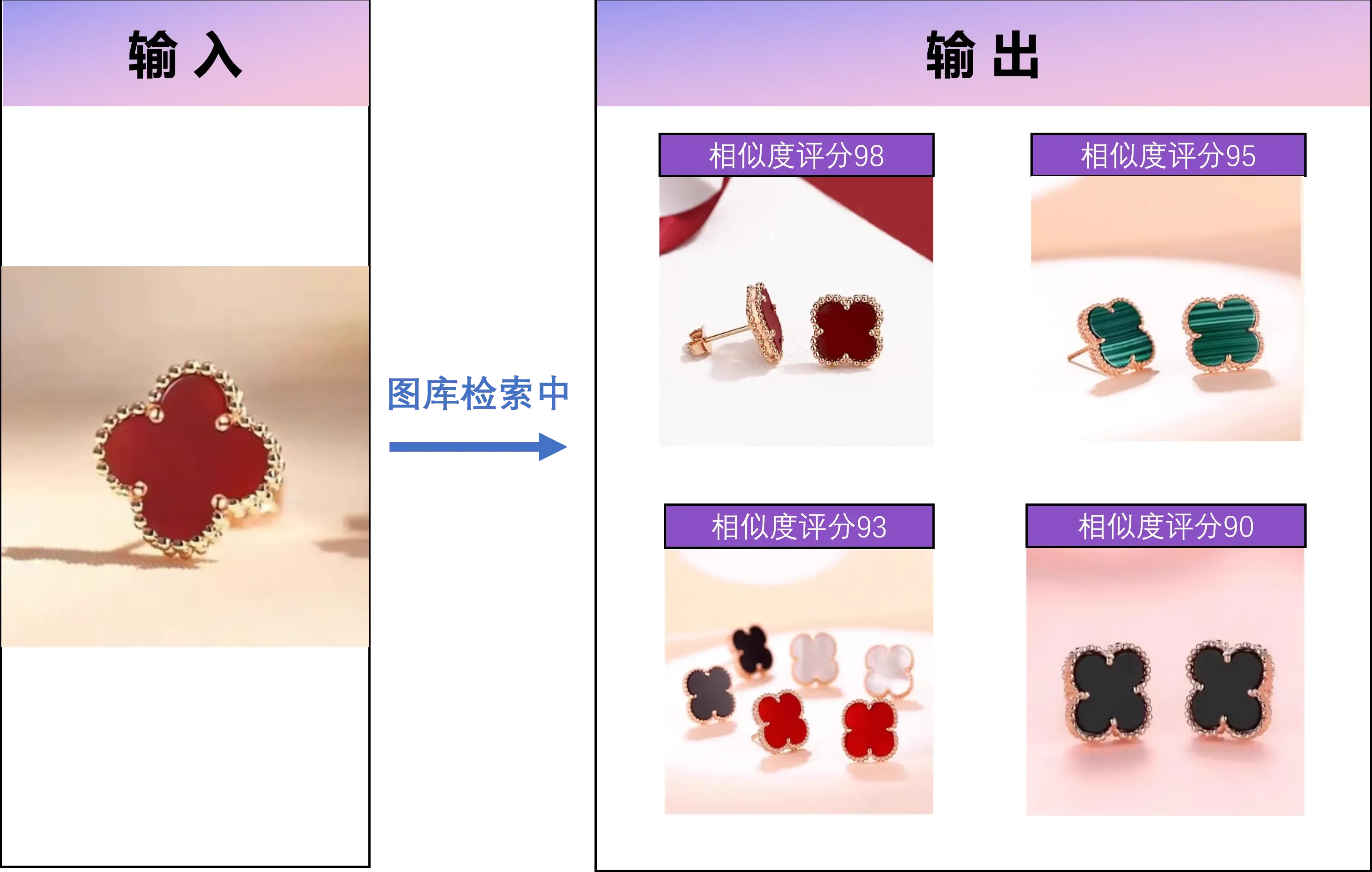
Product recognition for furniture sales
Product search helps match a customer photo to the right SKU.
Common workflows
- Match reference photos to catalog products
- Compare supplier offerings
- Identify counterfeit or copied designs
Library management for furniture teams
Build a structured furniture library

By style
Furniture Library/
  ├── Modern Minimalist/
  │   ├── Sofa/
  │   ├── Dining Table/
  │   └── Bed
  ├── Nordic Style/
  ├── Chinese Traditional/
  └── Classic European/
By room
Furniture Library/
  ├── Living Room/
  │   ├── Sofa/
  │   ├── Coffee Table/
  │   └── TV Console/
  ├── Bedroom/
  ├── Dining Room/
  └── Study
Cross-device management
- Local drives for design assets
- NAS for shared catalogs
- Cloud sync for project delivery
- LAN shared folders for team access
Fast preview and batch operations
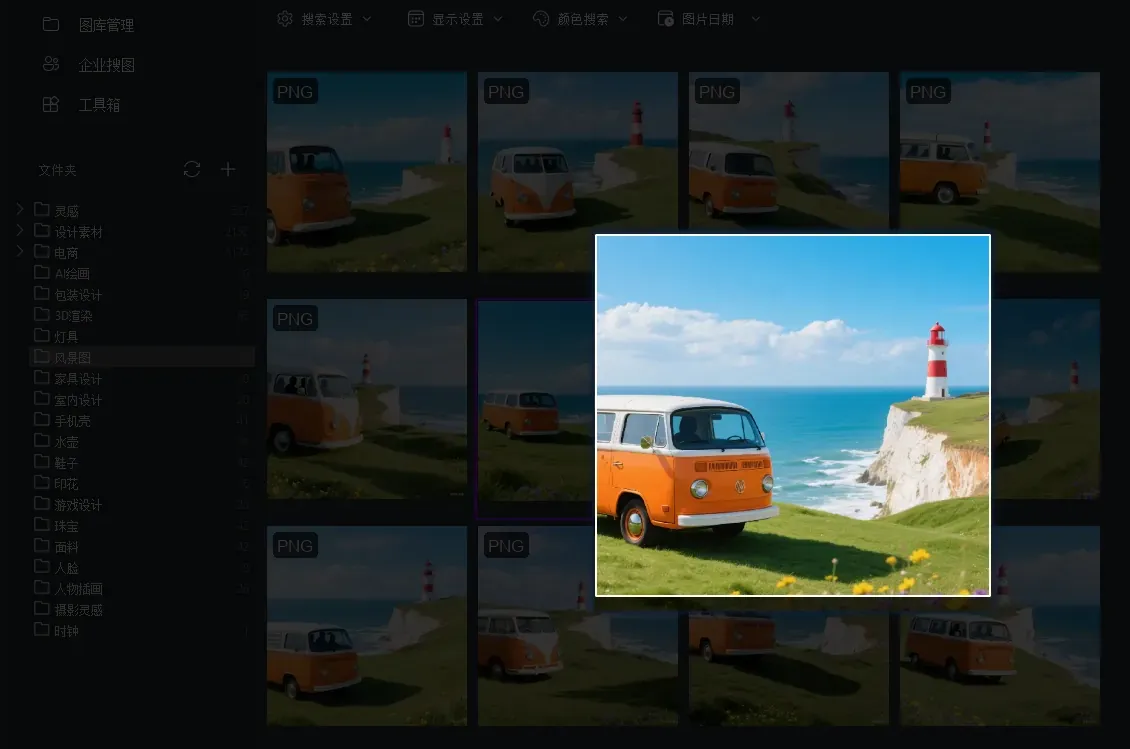
- Quick high-res preview
- Zoom for materials and details
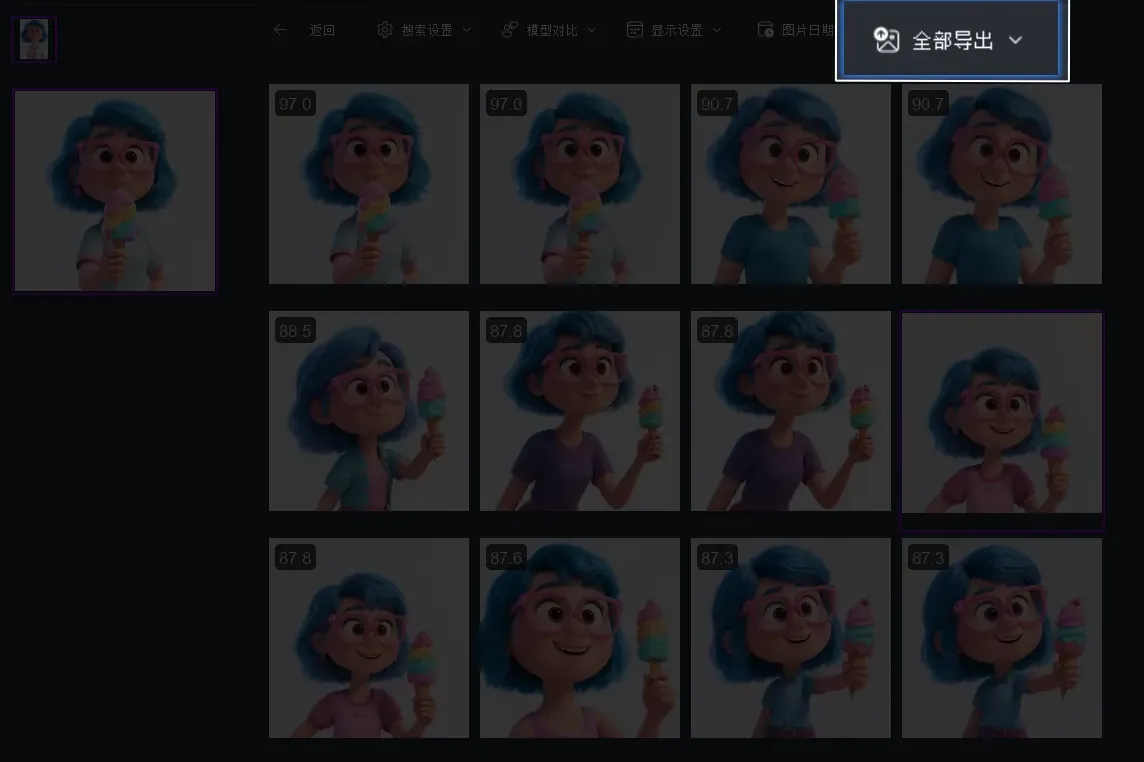
- Batch export for proposals
- Batch move and rename for cleanup
Duplicate detection
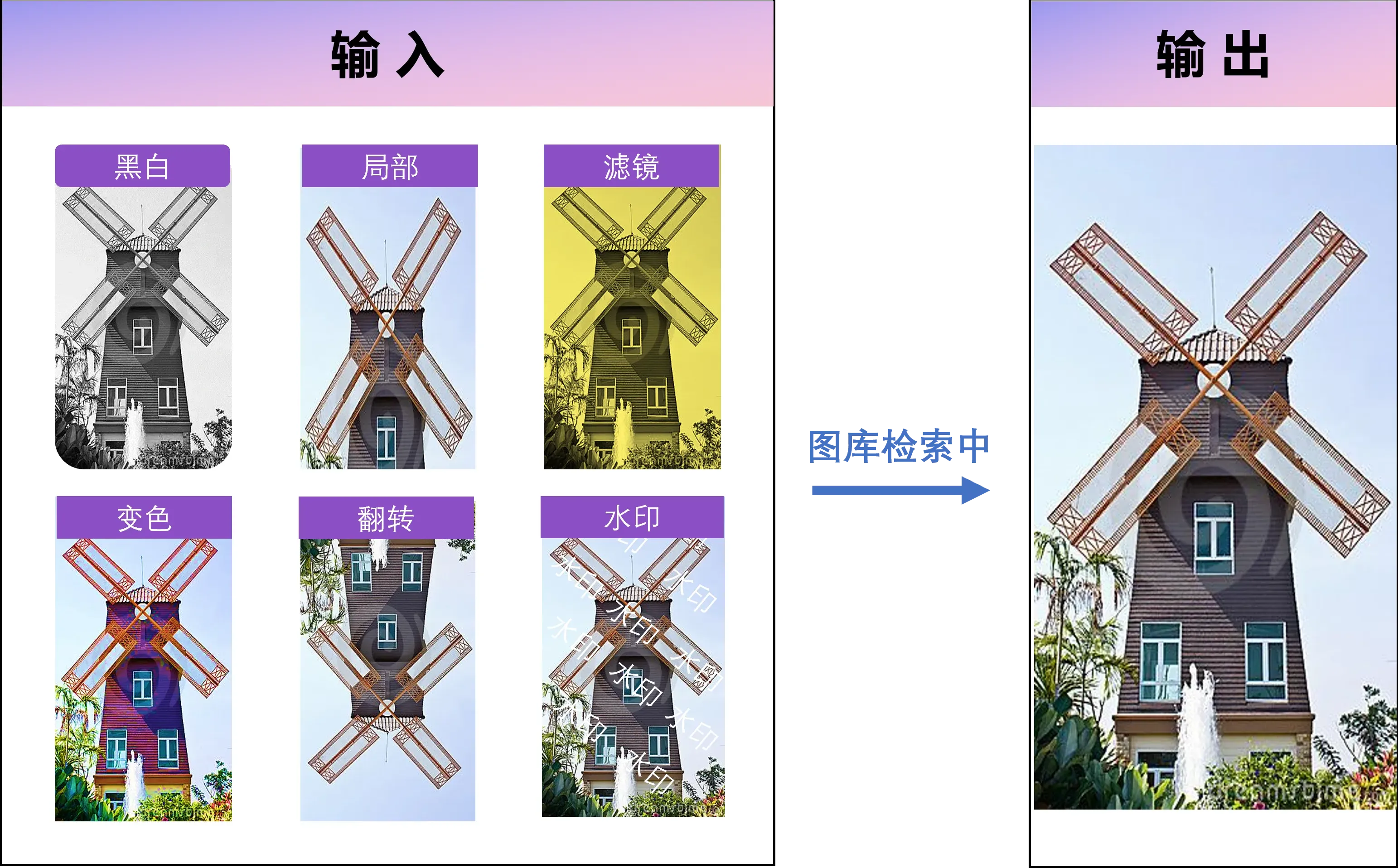
- Detect same item across angles
- Identify same product in different backgrounds
- Remove duplicates to save storage
- Keep the highest-quality version
Furniture industry case studies
Case 1: design studio asset management
A large design studio consolidated 500,000 reference images into FlareSeek:
- Automatic classification by style and material
- Designers searched by reference image
- Shared library across the team
- Removed 30% duplicate assets
"We used to spend hours on reference searches. Now it takes seconds." — Design director Lin
Case 2: furniture e-commerce operations
An e-commerce platform used FlareSeek for customer support and merchandising:
- Customer photos matched instantly
- Campaign teams filtered products by style
- Buyers compared supplier catalogs
Case 3: interior design workflows
Independent designers built style-specific libraries and matched coordinated sets in minutes.
Case 4: furniture manufacturing catalog management
Manufacturers indexed products by series and color so sales and design teams shared the same visual library.
Practical search tips
Similarity threshold tuning
| Search goal | Similarity range | Notes |
|---|---|---|
| Exact match | 90-100% | Best for same product |
| Similar style | 70-90% | Same vibe, different variants |
| Inspiration | 50-70% | Broader visual similarity |
Quality control
Keep high-quality images
- Clear lighting and accurate color
- Front or standard angles
- Clean background
- High resolution
- Minimal watermarks
Remove low-quality images
- Blurry or distorted photos
- Off-angle shots without reference value
- Color shifts
- Redundant duplicates
- Incomplete cropped images
Role-based usage guide
Furniture designers
Core tools: similar search, pattern recognition, color search, library management
Workflow
- Build a reference library
- Use semantic and similar search
- Study detail elements with texture recognition
- Export curated sets for presentations
Sales teams
Core tools: product search, similar search, batch preview
Workflow
- Match customer photos to catalog items
- Recommend complementary pieces
- Export product sets to share
Homeowners and renovators
Core tools: inspiration collection, style matching, color search
Workflow
- Collect inspiration images
- Search by style or color
- Build a coordinated set for rooms
Furniture enterprises
Core needs: unified catalog, permissions, analytics
Workflow
- Build a centralized library
- Configure multi-user access
- Train teams on search workflows
- Maintain regular library updates
How AI recognizes furniture
Feature extraction
- Shape outlines and silhouettes
- Material textures
- Color distributions
- Structural details (legs, arms, frames)
Semantic understanding
- Furniture categories (sofa, table, chair)
- Style labels (modern, classic, Nordic)
- Usage scenes (living room, office)
- Design elements (minimal, luxury, vintage)
Local processing advantages
| Security feature | Value |
|---|---|
| No cloud upload | Design assets stay private |
| Offline operation | No network required |
| Local storage | Data fully controlled |
| No third-party access | Avoids leaks |
Installation and configuration
System requirements
Basic
- Windows 7/8/10/11 (64-bit)
- Intel Core i3 or equivalent
- 4GB RAM (8GB+ recommended)
- 2GB free disk space (index not included)
- DirectX 11 compatible GPU
Recommended (large libraries)
- Intel Core i5/i7 or AMD Ryzen 5/7
- 16GB RAM
- SSD for index storage
- Dedicated GPU for faster rendering
Installation steps
1. Download the latest installer
2. Run the installer and choose location
3. Add your furniture folders
4. Build the index
5. Start searching
Index strategy
- Small libraries: full index once, weekly incremental updates
- Medium libraries: batch indexing, daily incremental updates
- Large libraries: incremental per folder, run at off hours
Performance tips
- Store indexes on SSD
- Remove duplicates regularly
- Split libraries if over 100k images
- Rebuild indexes periodically
FAQ
Q: What furniture types can FlareSeek recognize? A: Most common furniture categories, including seating, tables, cabinets, beds, and partitions.
Q: Is custom furniture recognized well? A: Yes. Clear images allow AI to capture shape, material, and style even for custom pieces.
Q: How many images can the library hold? A: There is no fixed limit. Index size is typically 5-10% of image storage size.
Q: What image formats are supported? A: JPG, PNG, BMP, TIFF, WebP, and some RAW/PSD formats with preview support.
Q: How fast is search? A: 100k images typically search under 1 second; 500k in under 3 seconds on SSD.
Data security and privacy
Furniture design data is sensitive. FlareSeek keeps all processing local, protecting:
- New product designs
- Technical specs and CAD renders
- Supplier contracts and pricing
- Customer customization documents
Enterprise security options include private deployment, permissions, audit logs, encryption, and backups.
Summary
FlareSeek is a complete local furniture image search solution. It improves search speed, accuracy, and privacy across design, sales, and renovation workflows.
Get started
If you need faster furniture image search, FlareSeek is built for you.
Download now and modernize your furniture image workflow.