
Local Jewelry Image Search: A Complete AI Retrieval Guide for Jewelry Businesses
Summary: This guide explains how jewelry teams use FlareSeek to search and manage jewelry images locally. From style recognition to similar design matching, it helps wholesalers, retailers, and designers work faster with secure AI search.
Unique challenges in jewelry image management
Common pain points for jewelry businesses
Jewelry images are core sales assets, but they are hard to manage at scale:
- Thousands of styles across rings, necklaces, bracelets, earrings, and pendants
- Massive image volume across product shots, detail views, scenes, and model photos
- High visual similarity within the same collection
- Slow matching when customers share reference images
- Complex classification by material, gem, process, and collection
- Duplicate procurement caused by hidden overlaps
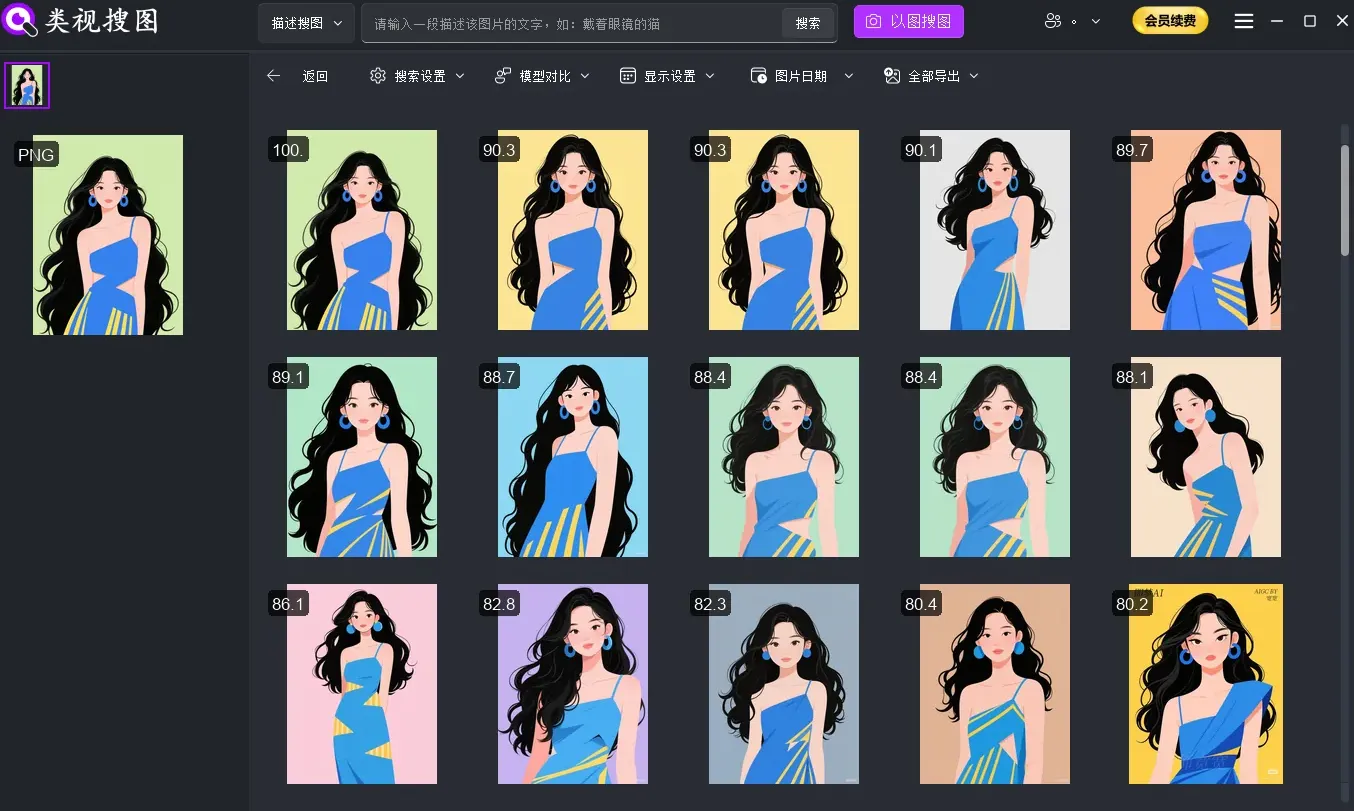
Traditional workflows struggle
Wholesale teams
- New supplier images arrive daily
- Hard to check if inventory already has similar styles
- Slow response when customers ask for similar designs
Retail stores
- Customers bring reference images and expect quick answers
- Multi-store catalogs are hard to unify
- Historical sales images are hard to reuse
Jewelry designers
- Need to search for inspiration fast
- Require element-level lookup by style or craftsmanship
- Must avoid design repetition and protect originality
FlareSeek: a local AI jewelry image search solution
FlareSeek is a professional local AI image search tool for jewelry teams. It detects jewelry styles, materials, and gemstones with high accuracy so you can retrieve images instantly while keeping everything private.
Core advantages for jewelry teams
| Feature | Jewelry workflow value |
|---|---|
| Style recognition | Identify ring, necklace, bracelet styles accurately |
| Gem and material detection | Detect gemstones and metals quickly |
| Similar design search | Find near-duplicate designs to avoid reordering |
| Multi-dimensional classification | Organize by series, materials, and suppliers |
| Local security | Keep design drafts and pricing data offline |
| Fast response | Millisecond retrieval for customer requests |
Core features: search jewelry by image
Similar jewelry search
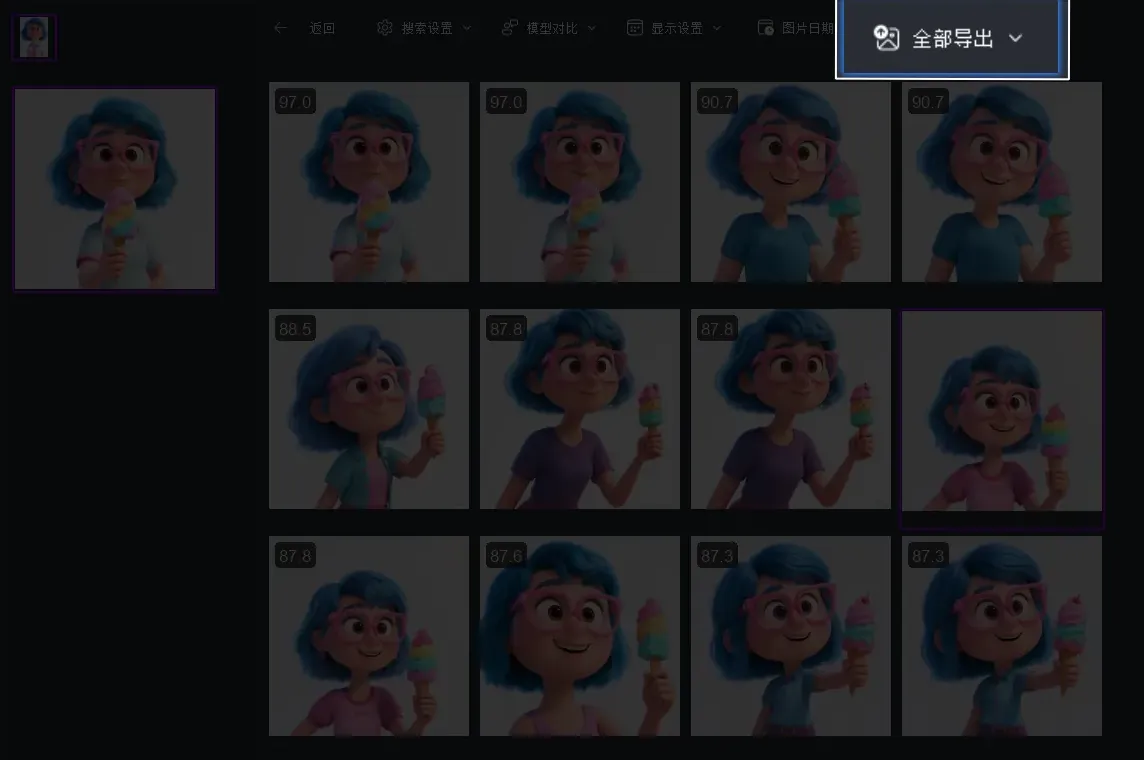
Similar jewelry search is the most powerful workflow. Upload a reference image and FlareSeek finds matching designs in your local library.
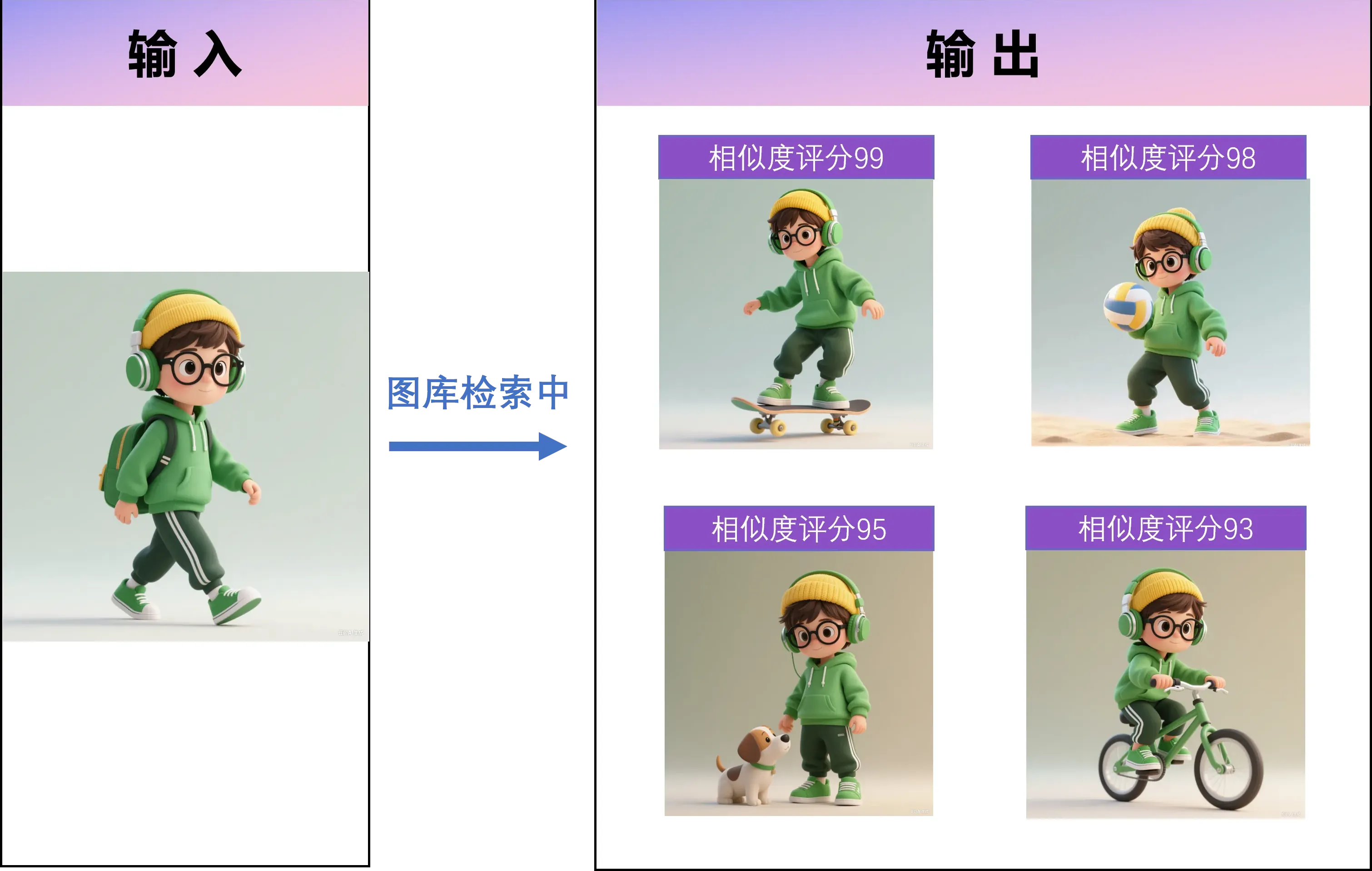
Typical scenarios
- Customers send a reference image and you match inventory quickly
- Suppliers send new styles and you confirm overlaps
- Batch import showroom images to analyze similar SKUs
Jewelry category recognition
FlareSeek can classify jewelry types automatically: rings, necklaces, bracelets, earrings, pendants, and sets.
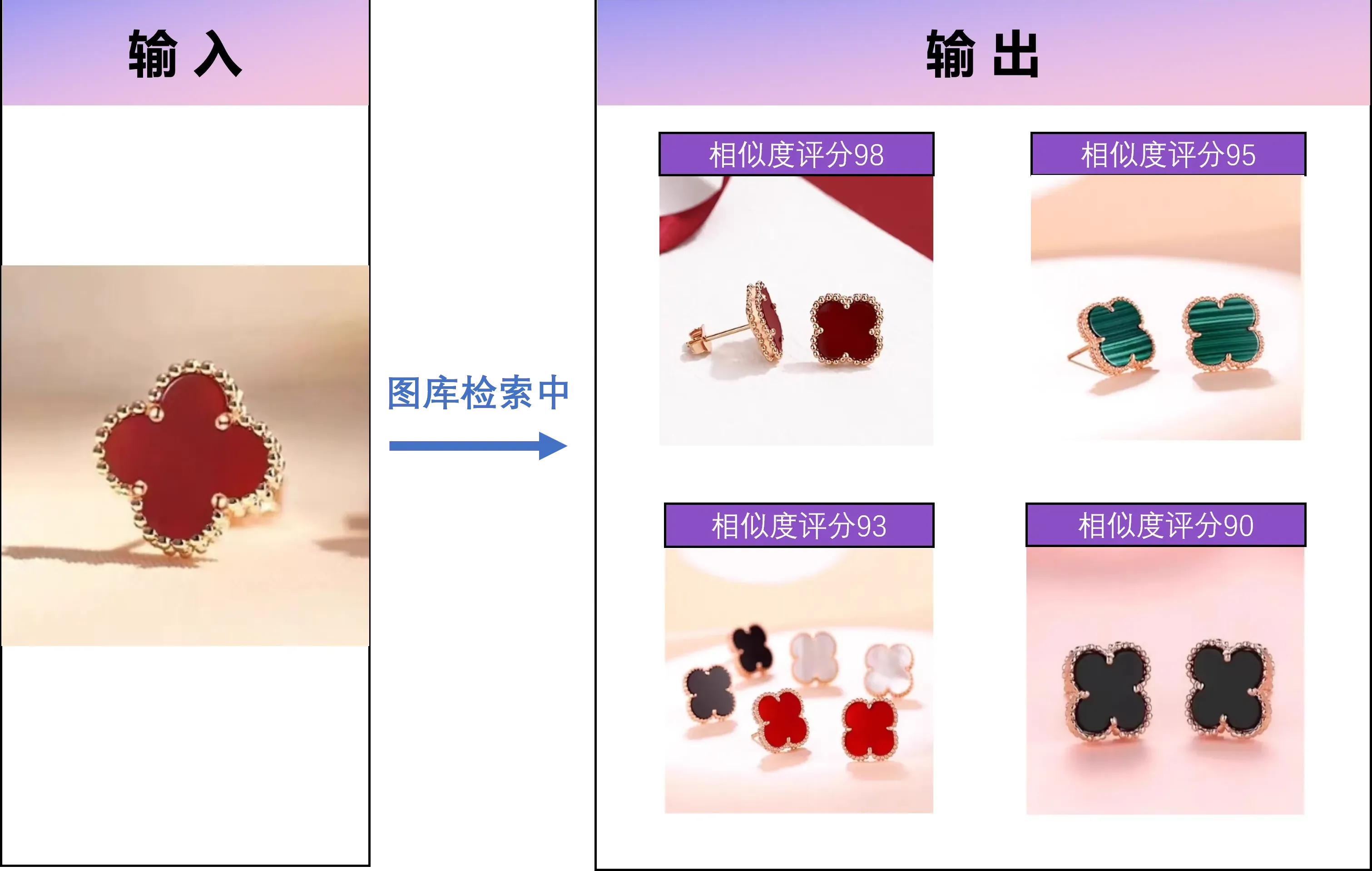
| Category | Recognition focus |
|---|---|
| Rings | Band shape, setting style |
| Necklaces | chain style, pendant design |
| Bracelets | open vs closed, chain structure |
| Earrings | studs, drops, hoops |
| Pendants | silhouette and setting |
| Sets | coordinated style matching |
Gem and material recognition
FlareSeek recognizes gemstone and metal traits to help classify inventory quickly.
- Diamonds: cut and setting detection
- Jade: texture and color recognition
- Rubies and sapphires: gemstone color detection
- Pearls: luster and shape detection
- Gold and platinum: metal and finish recognition
Detail feature search
Search by specific design details such as setting style, chain type, or surface finish.
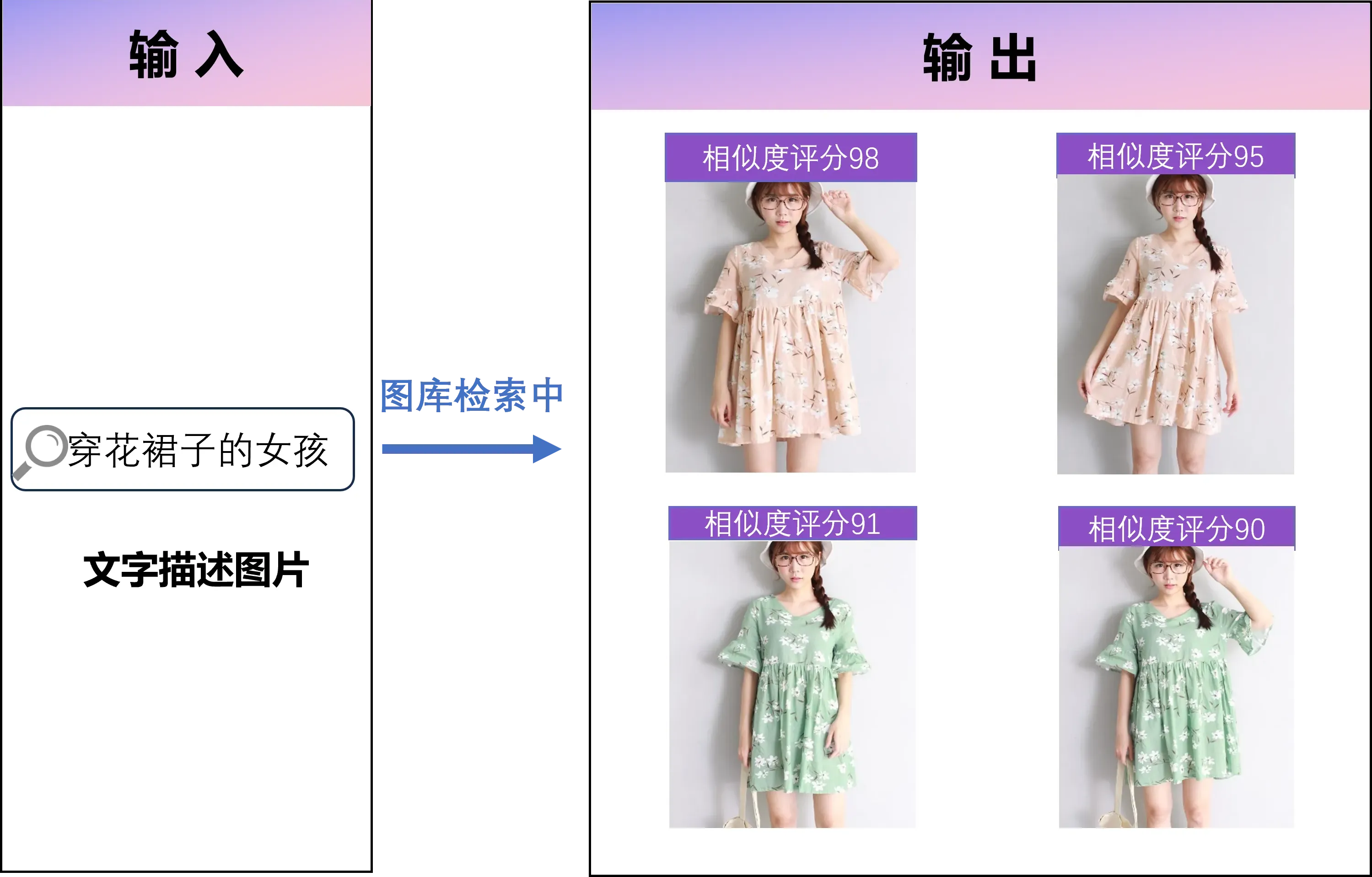
Searchable details include:
- Setting style: prong, bezel, pavé
- Craft process: engraving, filigree, openwork
- Chain types: box, rope, venetian
- Design motifs: floral, geometric, abstract
- Surface finishes: matte, polished, brushed
Professional jewelry search workflows
Semantic search
Describe jewelry with natural language to find matching styles.
"minimal rose-gold diamond ring"
"vintage pearl necklace"
"open-ended silver bracelet"
"teardrop sapphire earrings"
"floral jade pendant"
OCR text recognition
Text-in-image search detects brand logos, certificates, and SKU labels.
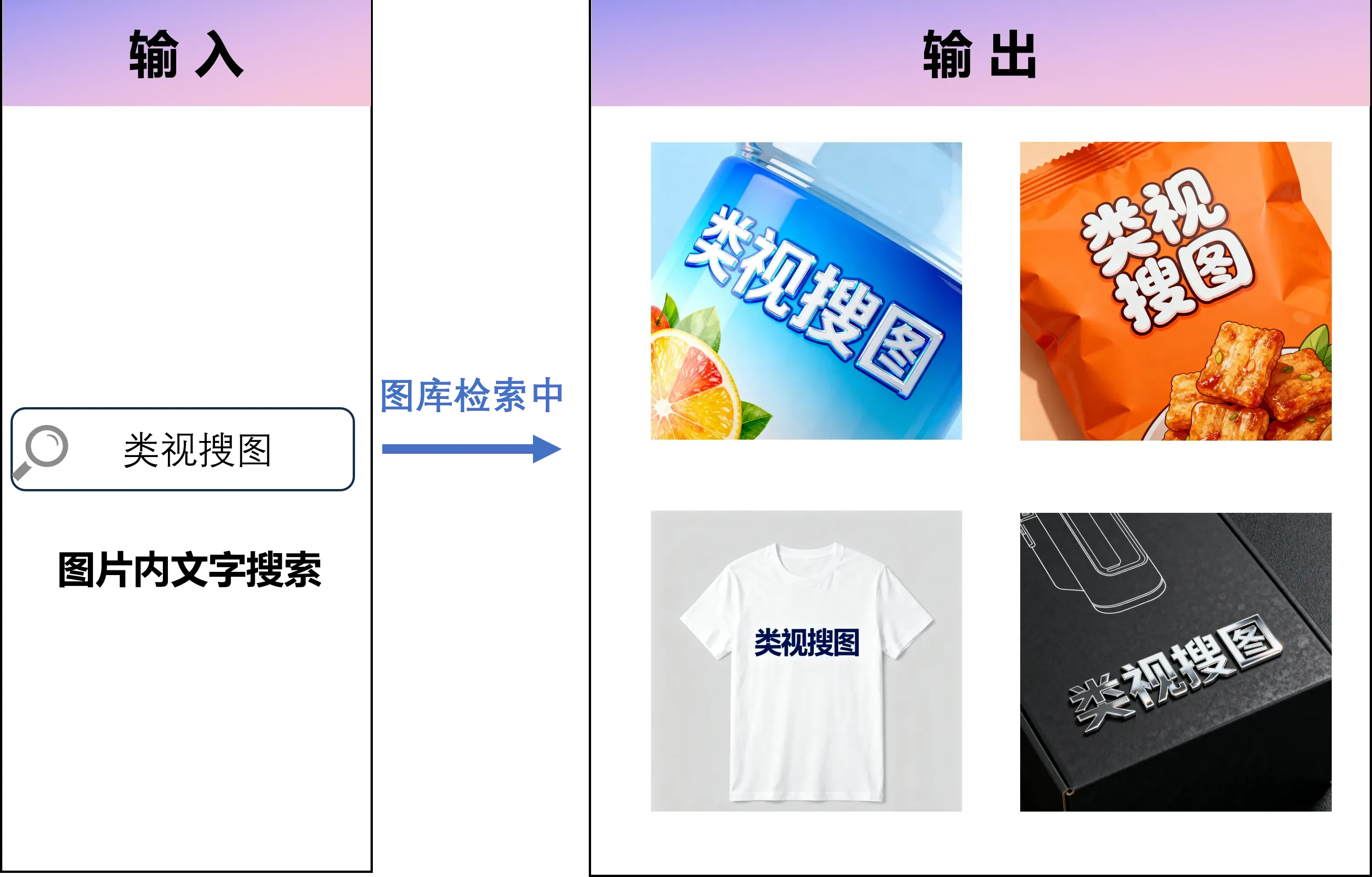
Common uses:
- Brand logo detection (Tiffany, Cartier, Bulgari)
- Certificate numbers (GIA, IGI)
- Price tags and SKU numbers
- Metal markers (PT950, AU750, S925)
Series-based library management
Use folder structures for series, suppliers, seasons, or price tiers.
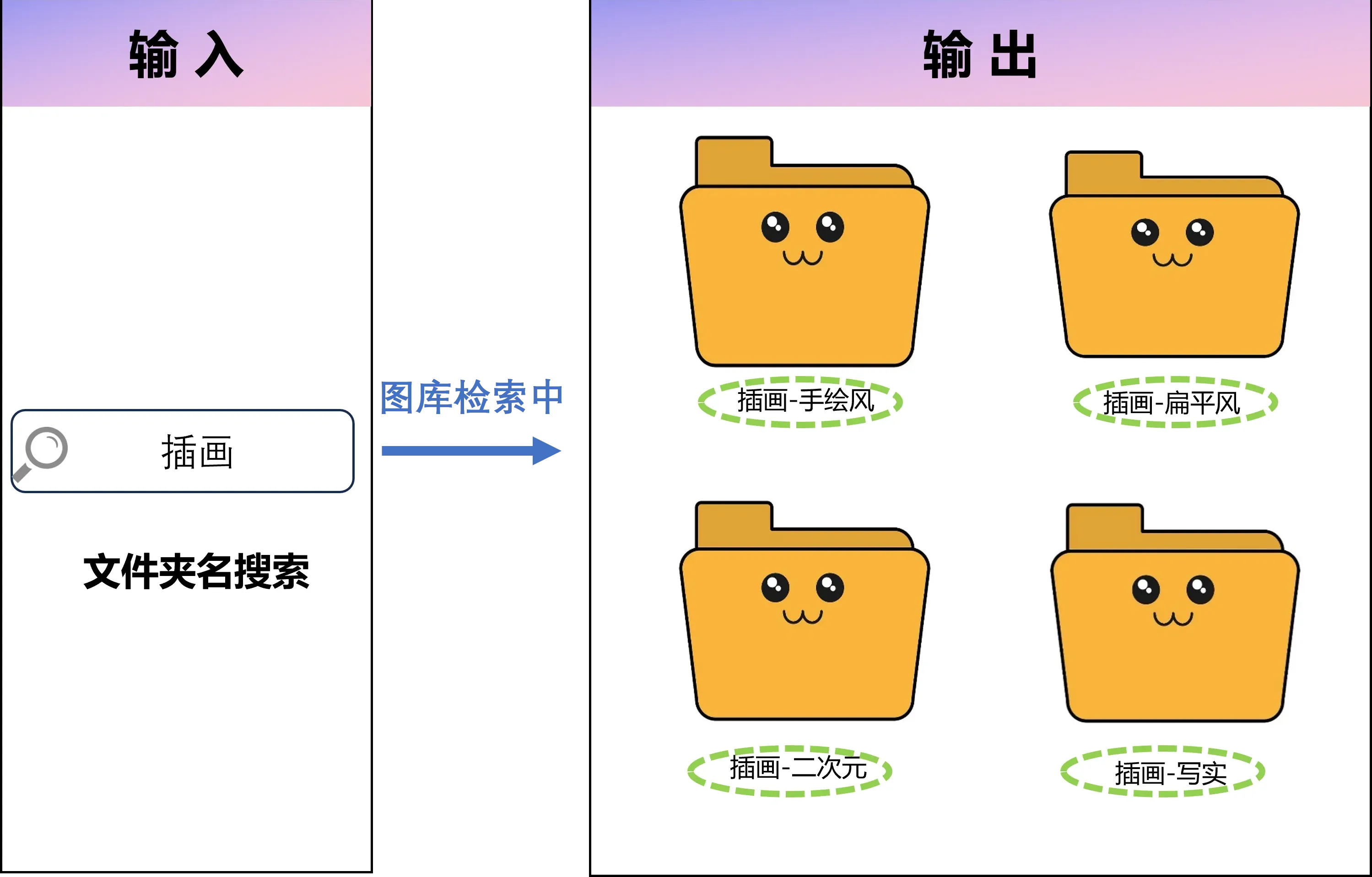
Classification dimensions:
- Collection series
- Supplier or brand
- Season or launch window
- Material and gemstone category
- Price tier
- Usage scenarios (wedding, daily, gifting)
Jewelry library management
Batch operations
- Batch import supplier images
- Batch tagging by materials or series
- Batch moving to categories
- Batch cleanup of poor or duplicate images
- Batch exporting for catalogs
- Batch renaming by unified rules
Duplicate detection
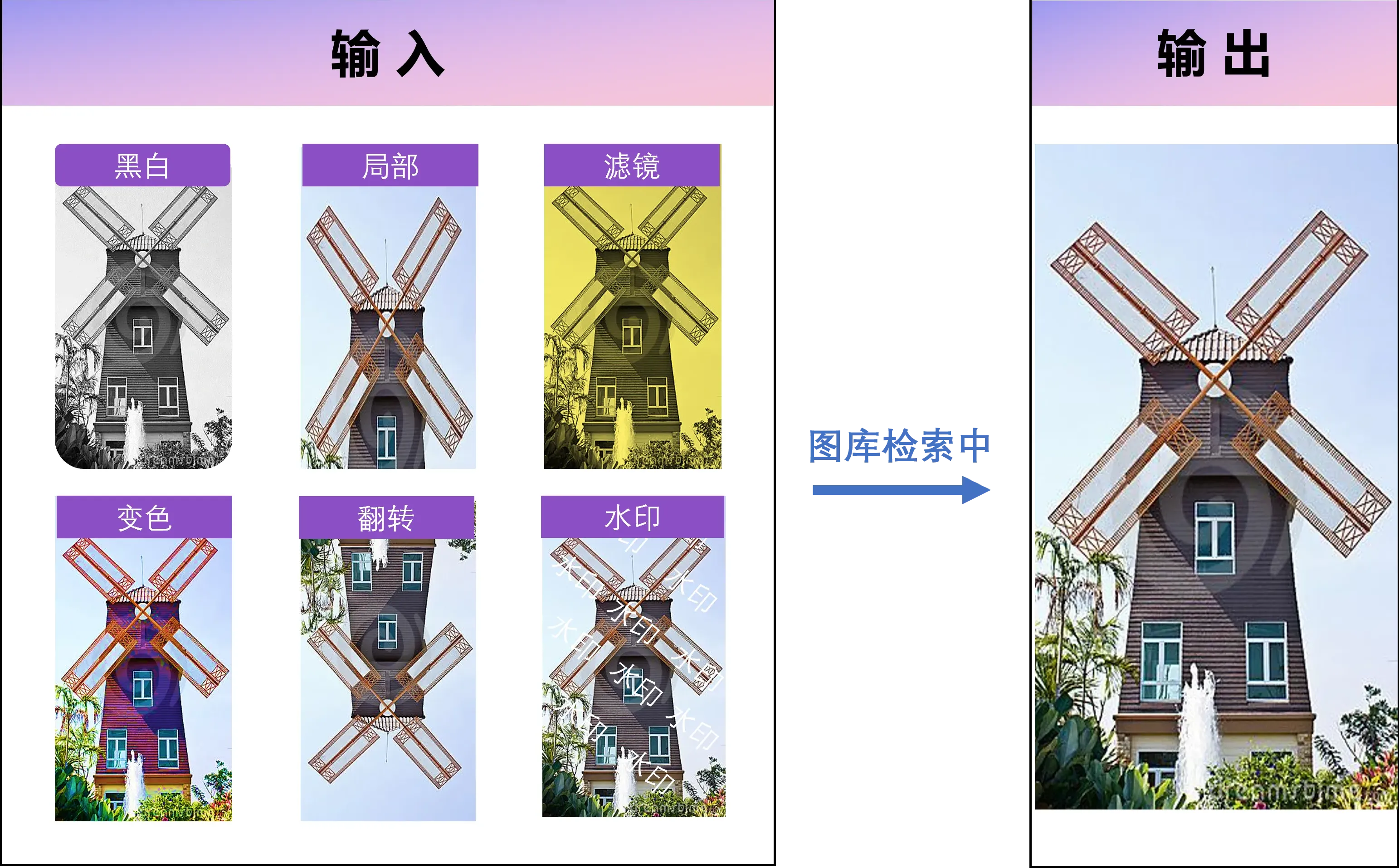
- Detect identical designs across angles
- Detect highly similar designs with small differences
- Detect same styles with different colors
- Similarity scoring for precise decisions
- Batch dedupe and archive
Quick preview
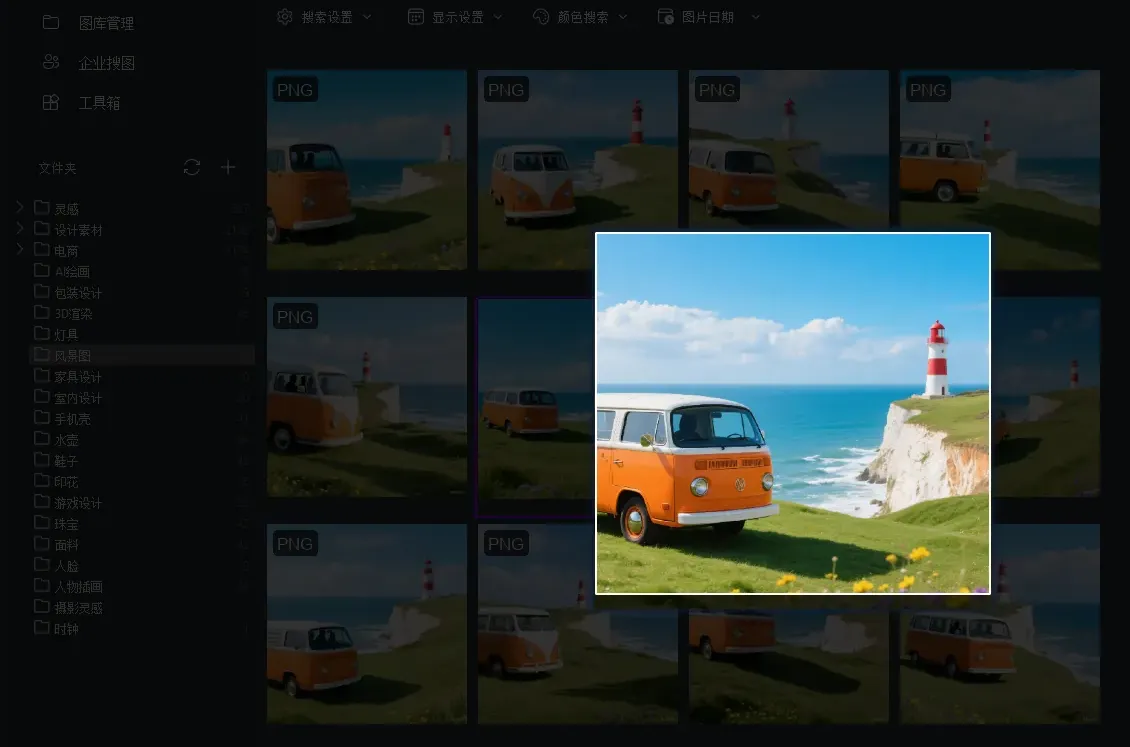
- High-zoom detail preview
- Side-by-side comparison
- Accurate color rendering
- Support for RAW and PSD previews
Cross-store management
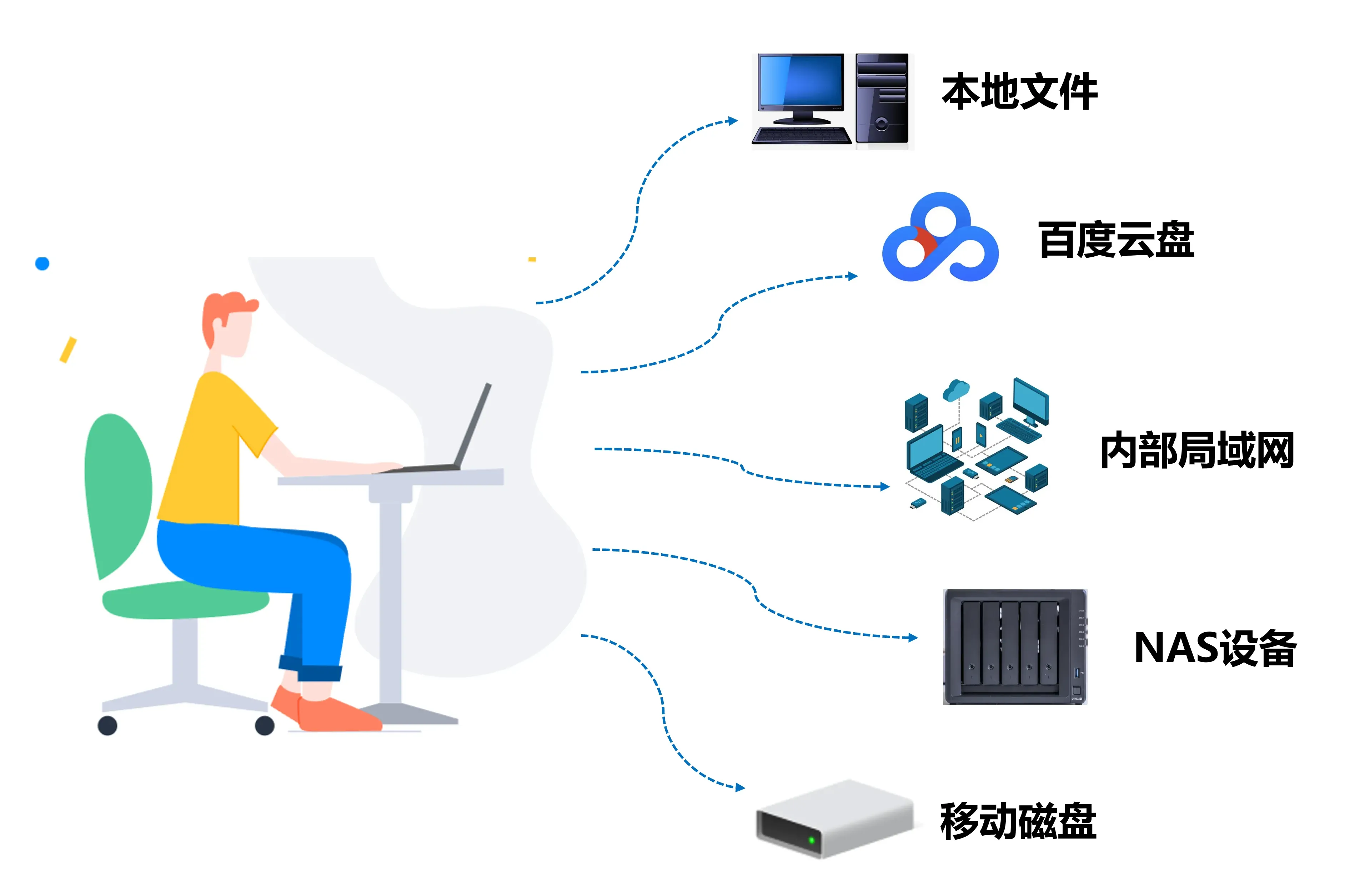
| Scenario | Solution |
|---|---|
| Chain stores | Unified library across stores |
| Factory collaboration | Connect design and sales libraries |
| Wholesale network | Share catalogs across branches |
| Cloud sync | Search synced libraries locally |
| Supply chain | Share images with vendors |
Jewelry industry case studies
Case 1: wholesaler response speed
A Shenzhen jewelry wholesaler reduced response time from 30 minutes to 30 seconds using FlareSeek. Customer satisfaction and conversion rate improved significantly.
Case 2: jewelry design studio
A design studio used semantic search to locate “Art Deco lines” or “vintage floral engravings,” reducing inspiration search time by 70% and improving originality.
Case 3: retail inventory optimization
A multi-store retailer reduced duplicate purchasing by 60% and improved inventory turnover by 45% using similar search and duplicate detection.
Case 4: jewelry e-commerce operations
An online shop automated catalog classification, improved upload speed, and reduced staffing needs by 50%.
Usage guide
Quick start
1. Download the installer
2. Install and launch FlareSeek
3. Add jewelry folders
4. Build the index
5. Start AI search
Suggested library structure
Jewelry Library/
├── Rings/
│   ├── Diamond/
│   ├── Plain Band/
│   └── Colored Gems/
├── Necklaces/
│   ├── Pendants/
│   └── Chains/
├── Bracelets/
├── Earrings/
└── Sets/
Search optimization tips
- Combine style, material, and process filters
- Adjust similarity threshold to 70-85%
- Use detailed tags for better library structure
- Rebuild indexes after new imports
- Use semantic queries for fast filtering
Enterprise jewelry solutions
Multi-department collaboration
FlareSeek supports enterprise multi-user search for unified jewelry libraries.

Departments covered:
- Procurement
- Design
- Sales
- Photography
- Operations
- Warehouse
ERP integration
Enterprise APIs connect jewelry ERP and inventory systems.

Integration advantages:
- Sync images with inventory and pricing data
- Automate new product onboarding
- Enable analytics based on visual recognition
- Real-time sync across systems
In-store camera search
Camera capture search lets customers take a photo in-store to find similar styles instantly.
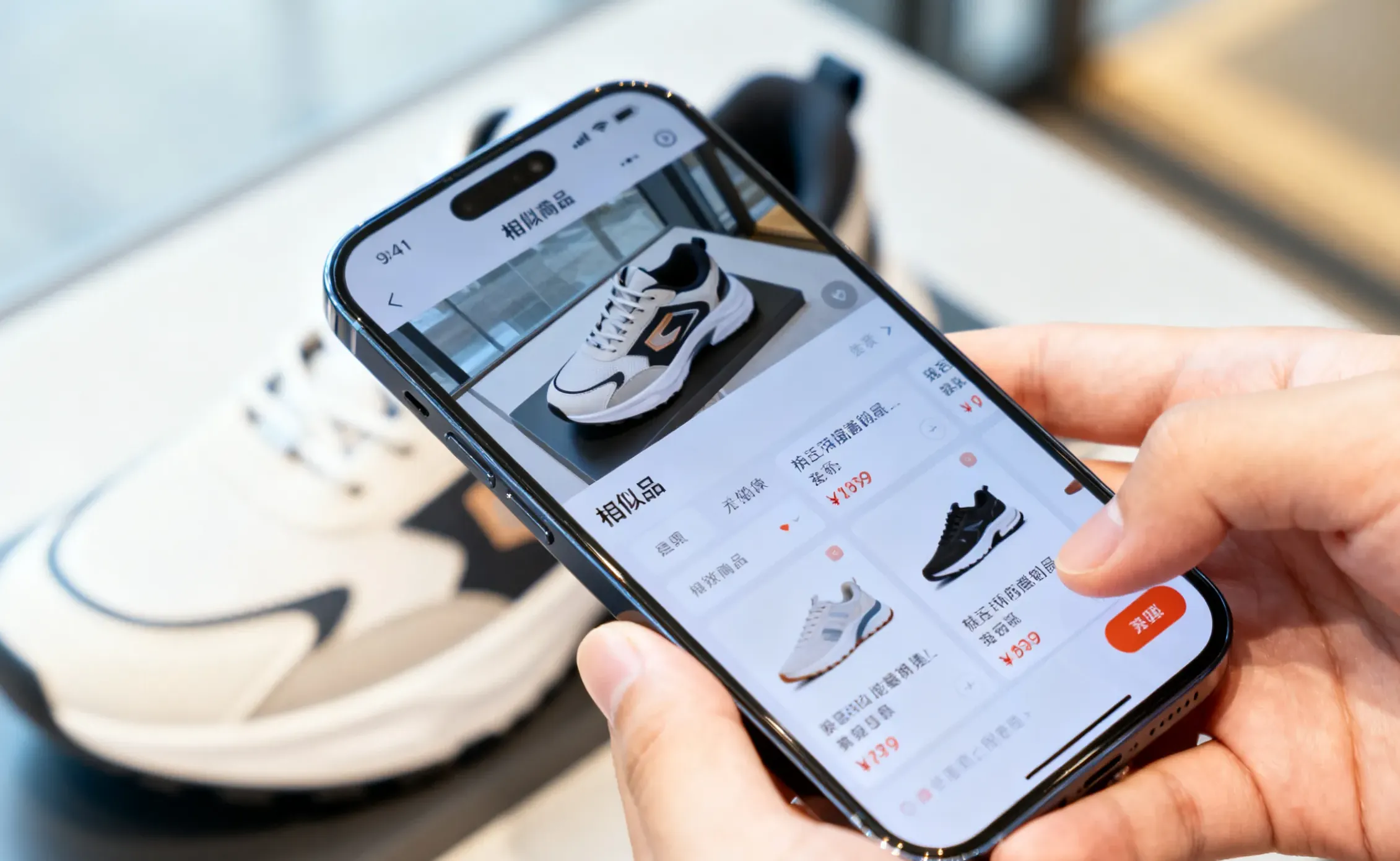
Benefits:
- Instant search and matching
- Expanded selection through similar styles
- Higher conversion and order value
Data security and IP protection
Jewelry businesses handle sensitive design and pricing data. FlareSeek keeps everything local:
| Security measure | Explanation |
|---|---|
| Fully local processing | No cloud uploads |
| Offline access | No network required |
| Encrypted indexes | Secure local storage |
| Permission control | Role-based access |
| Audit logs | Full action history |
| Backup and recovery | Secure restore options |
ROI impact
| Area | Improvement |
|---|---|
| Labor cost | 50% reduction in image management work |
| Inventory cost | 30-40% lower duplicate procurement |
| Clearance loss | 20-30% reduction |
| Photography cost | Higher image reuse |
| Response speed | 10x faster customer replies |
| Conversion rate | 30-50% higher |
| Sales efficiency | 2-3x improvement |
| Inventory turnover | 40-50% improvement |
Typical mid-sized businesses recover the investment within 3-6 months.
FAQ
Q1: Can FlareSeek recognize all jewelry categories? A: It recognizes most common categories including rings, necklaces, bracelets, earrings, and pendants.
Q2: How accurate is similar jewelry search? A: Typical accuracy is 85-95%, and can exceed 90% for highly similar series. Adjust thresholds as needed.
Q3: How large can a library be? A: From thousands to millions of images. A 100k library usually searches in 1-3 seconds.
Q4: Does it protect design confidentiality? A: Yes. Everything stays local, ensuring complete confidentiality.
Q5: How many users are supported? A: Enterprise edition supports unlimited users with granular permission control.
Q6: Can it integrate with ERP systems? A: Yes. Enterprise APIs connect with ERP and inventory platforms.
Summary
FlareSeek is the local AI image search solution built for jewelry businesses, offering fast retrieval, strong privacy, and clear ROI.
Next steps
Related resources
Guides
Related articles
Support
Jewelry industry offer
Register now to get 20% off the first year for jewelry businesses
Download the trial