
How to Quickly Search Images in Your Computer Folders: A Complete Local Reverse Image Search Guide
Summary: This article walks you through FlareSeek, a professional local reverse image search app, to quickly find images in your computer folders. It covers AI recognition, multiple search modes, and library management so your local image library stays easy to manage.
In the digital era, our computers store a massive number of images. Whether they are work assets, personal photos, or design references, finding the right image fast is painful with manual folder browsing. This guide shows how to use FlareSeek, a professional local reverse image search app, to search your folders quickly and keep image management simple.
Challenges of local image search and the fix
Problems with traditional image management
Most people run into the same issues:
- Massive volume of images from phones, cameras, and downloads
- Files scattered across different folders, drives, or network locations
- Messy naming that is hard to remember or understand
- File name search is not enough to locate the right image
- Duplicates that waste storage
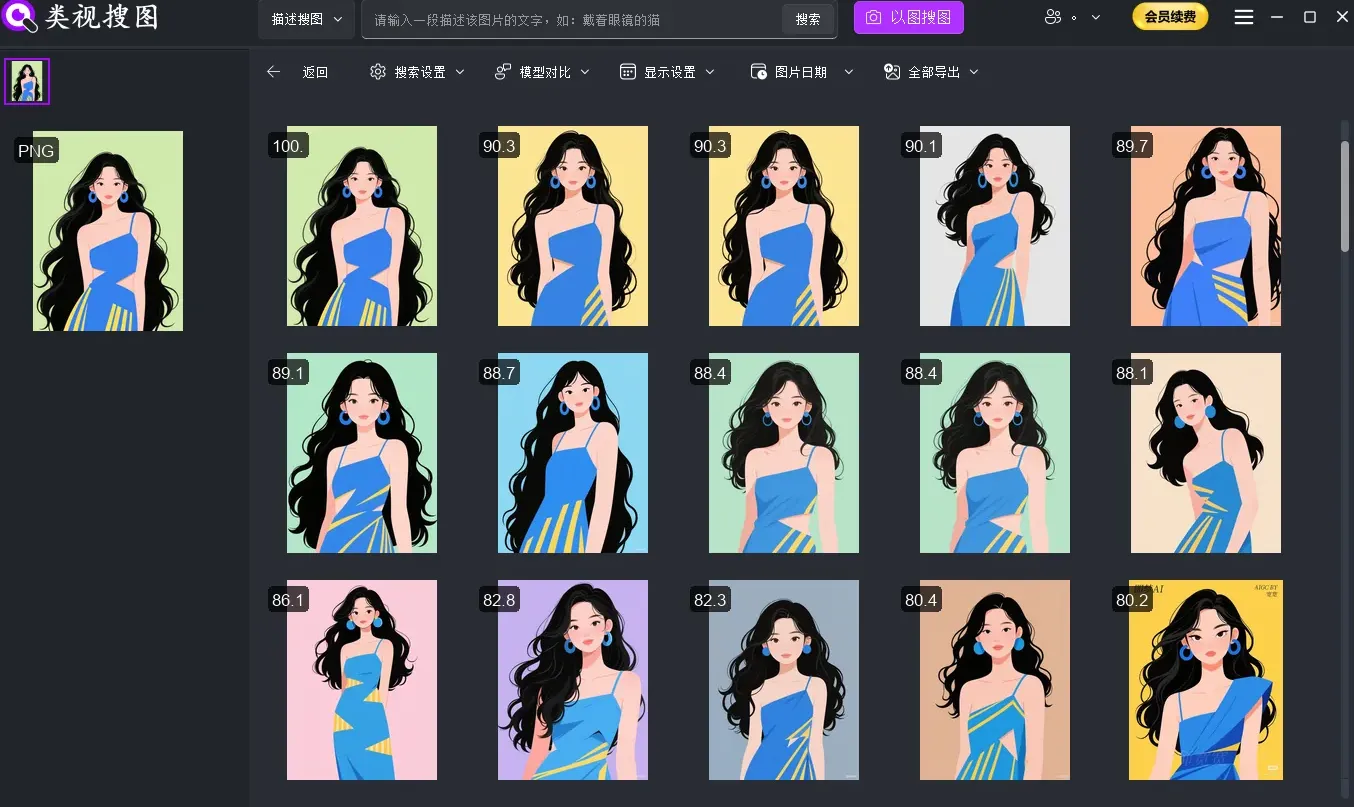
FlareSeek: a professional local reverse image search solution
FlareSeek is an AI-powered app built for local image search. It uses modern deep learning models to search images inside your computer folders with high accuracy. Because everything runs locally, it stays offline and keeps your data private.
Core advantages
| Feature | Description |
|---|---|
| AI visual recognition | Understands image content and similarity |
| Multiple search modes | Search by image, semantic text, or keywords |
| Efficient management | Smart grouping, batch actions, duplicate detection |
| Privacy by design | Fully local, no internet required |
Reverse image search: the most intuitive way to find photos
Similar image search
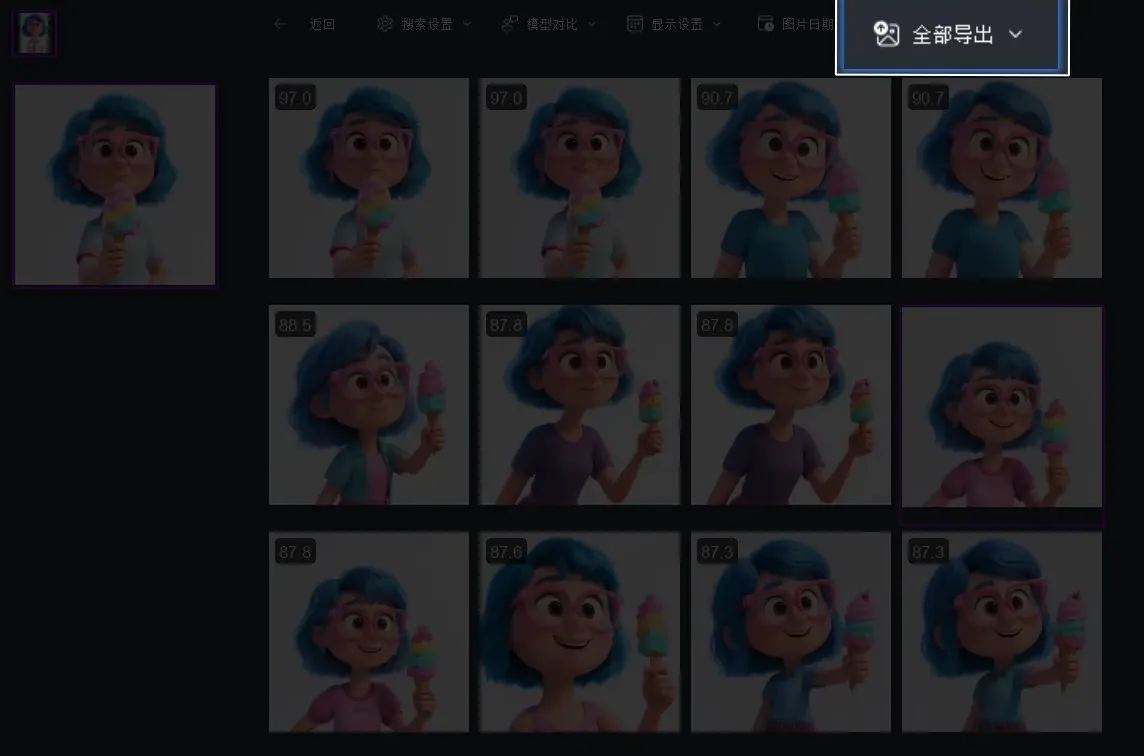
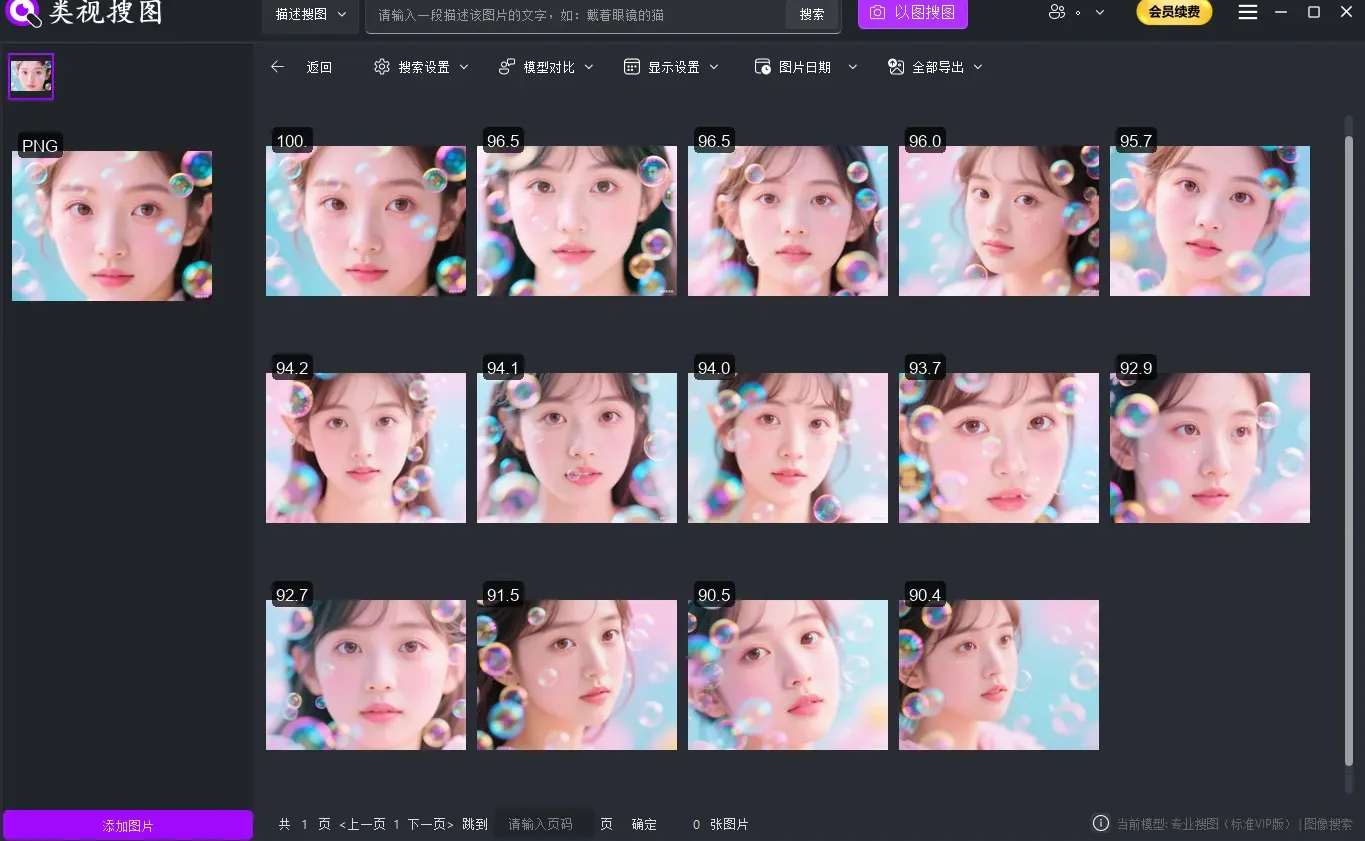
FlareSeek's core feature is similar image search. Upload a reference image, and the AI engine finds visually similar images in your local folders, with a clear similarity score.
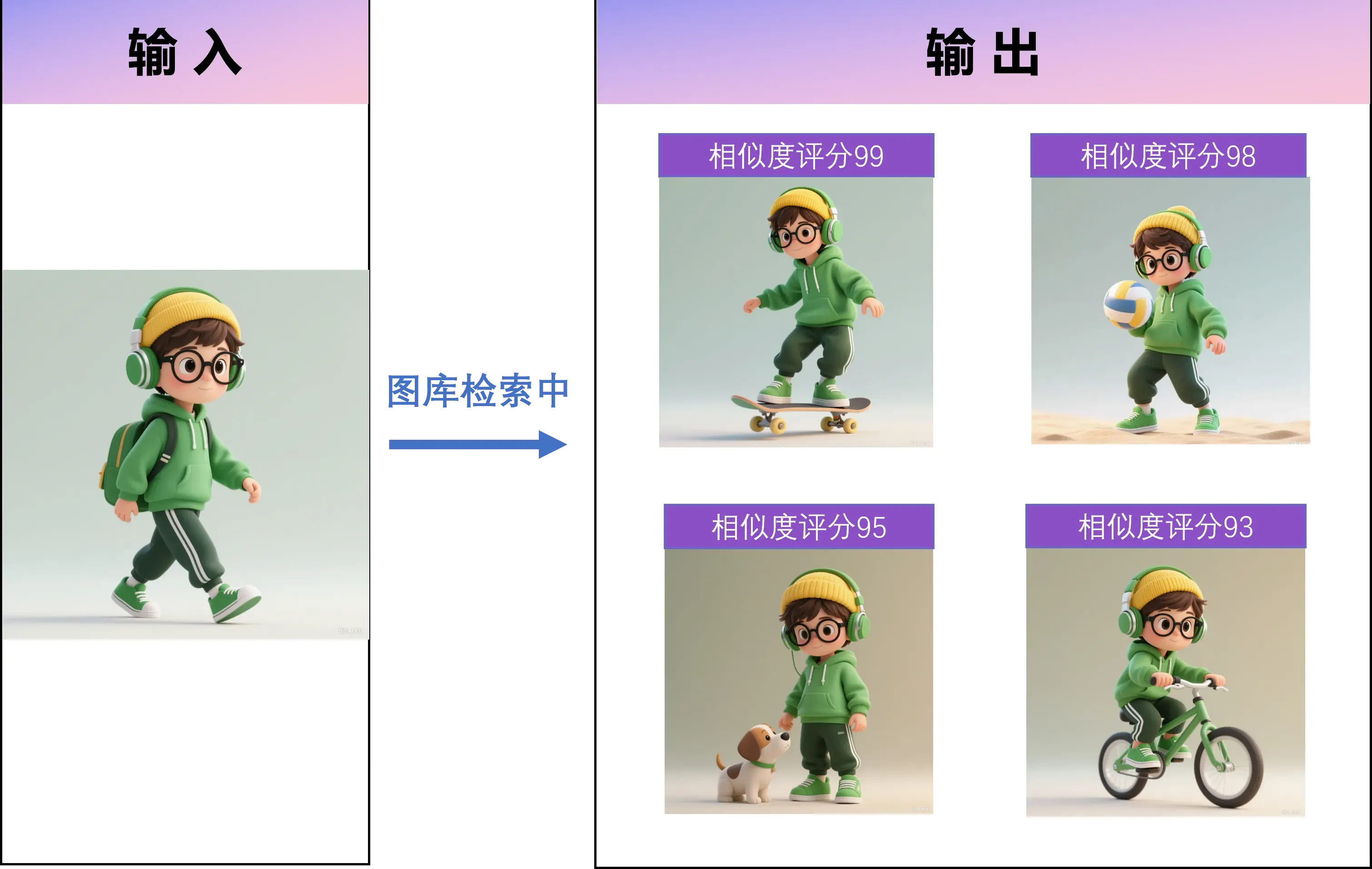
Use cases
- Designers: find references with a similar style
- Photographers: batch organize similar compositions -> Photographer guide
- Individuals: locate different angles of the same scene
Exact duplicate detection
For duplicates, FlareSeek offers exact duplicate search. It detects the same image even after cropping, flipping, or watermarking.
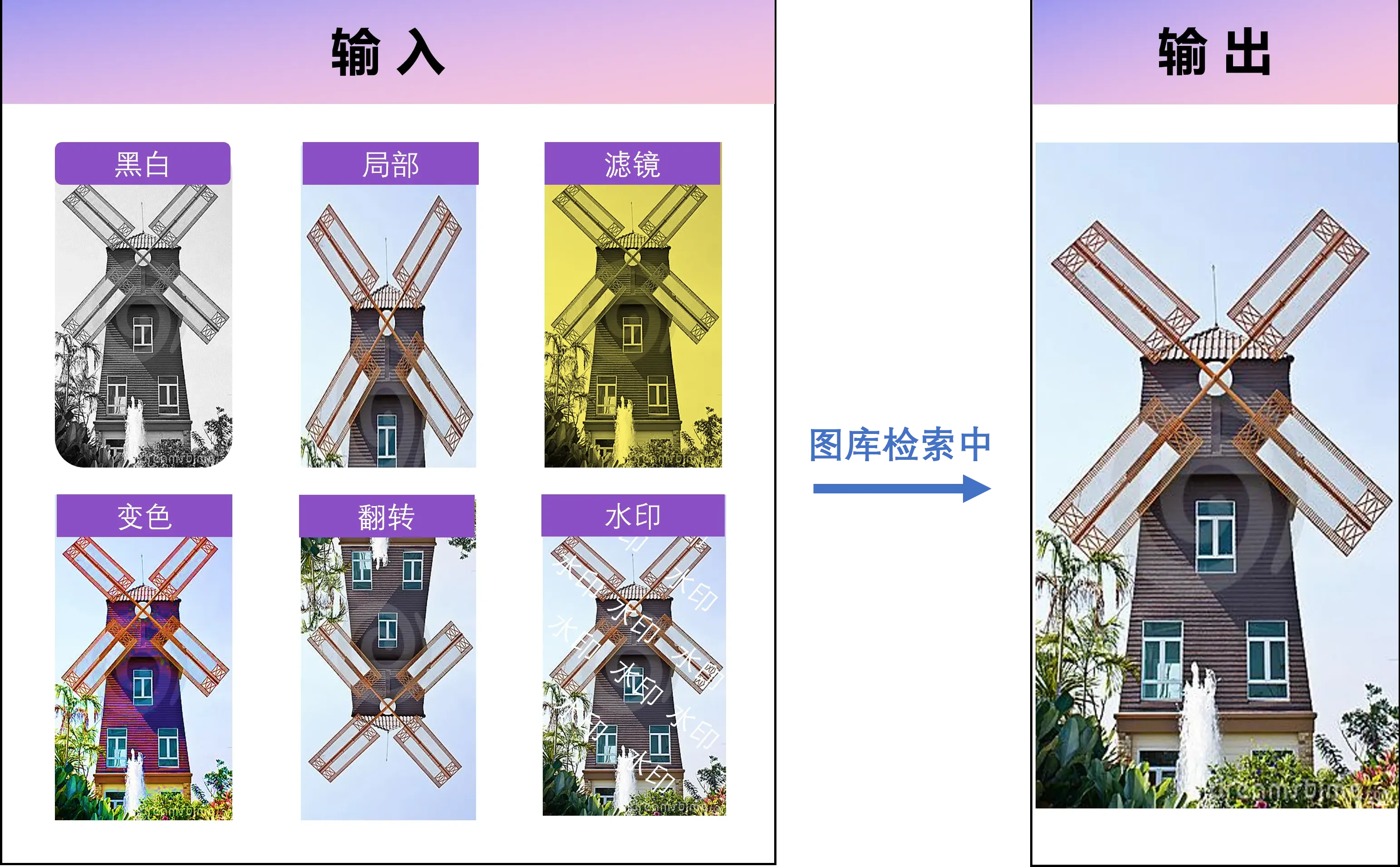
Technical strengths
- Supports multiple formats (JPG, PNG, BMP, TIFF)
- Strong resistance to edits and transformations
- Batch cleanup to remove duplicates quickly
- Save storage and keep folders tidy
Professional product image recognition
For e-commerce teams and shoppers, FlareSeek provides product image search. The AI engine isolates the main product, extracts features, and finds matching items locally.
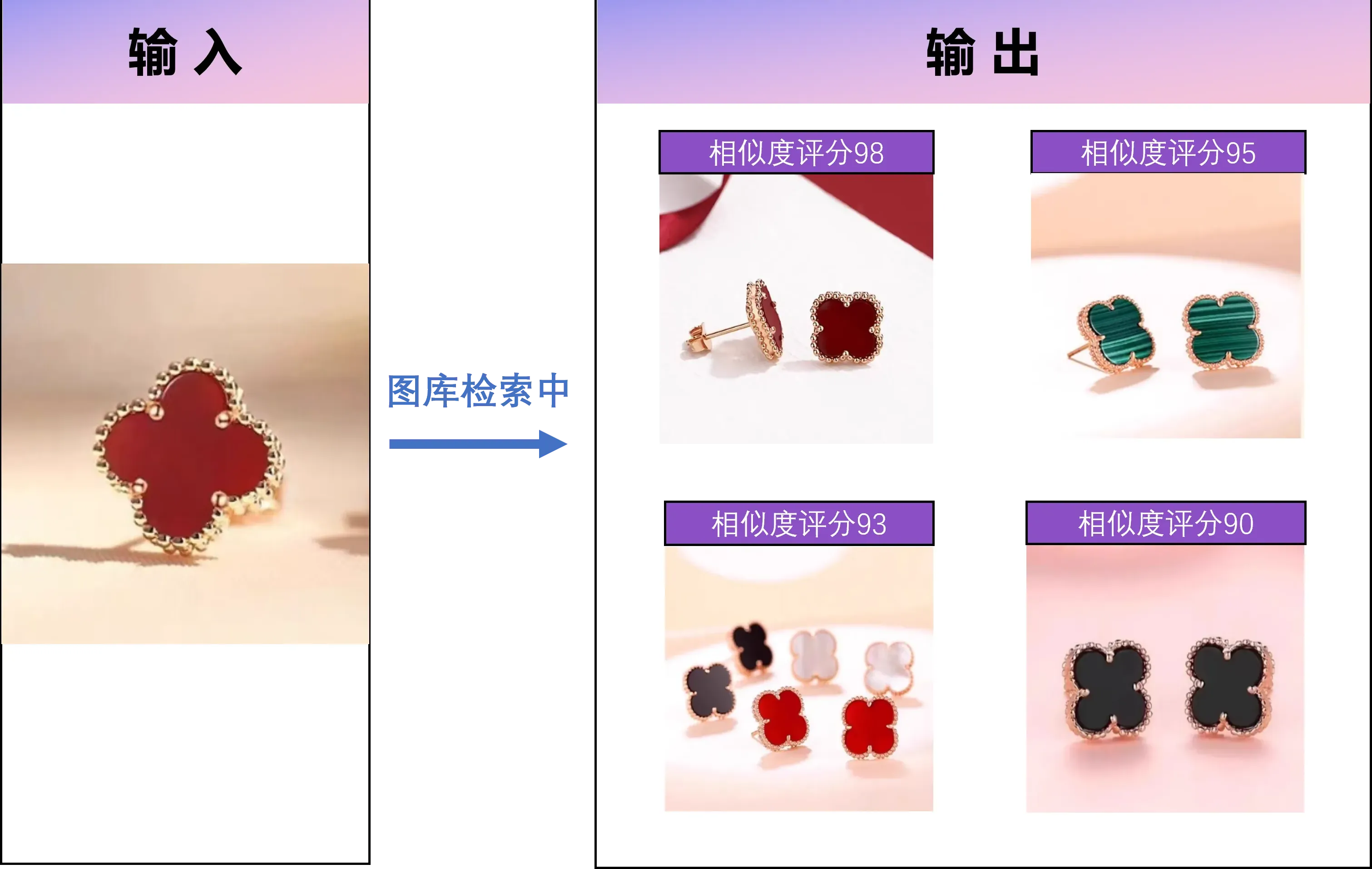
Core capabilities
- Detects the product subject and filters background noise
- Supports clothing, electronics, home goods, and more
- Smart similarity scoring with relevance ranking
- Ideal for e-commerce ops, sourcing, and asset collection
Smart keyword search: make images "talk"
Semantic description search
FlareSeek supports semantic search so you can describe an image in plain language. The AI understands scenes, objects, and mood for real semantic matching.
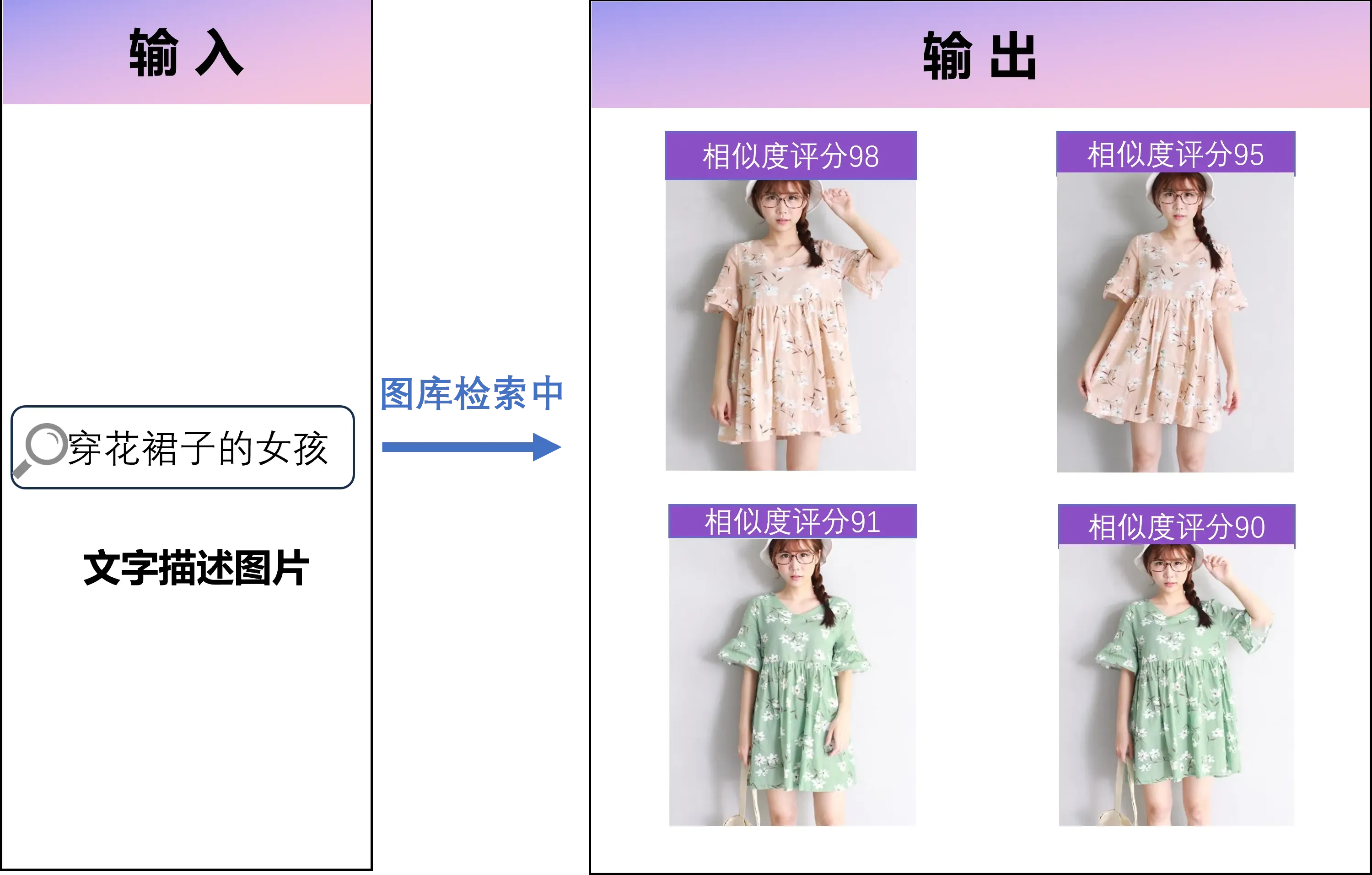
Example queries
Query examples:
"blue sky" -> find all images of blue skies
"happy kids" -> locate photos of smiling children
"modern buildings" -> filter by architectural style
Text in image search
Text search uses OCR to detect words inside images, making it perfect for screenshots, scanned documents, or posters.
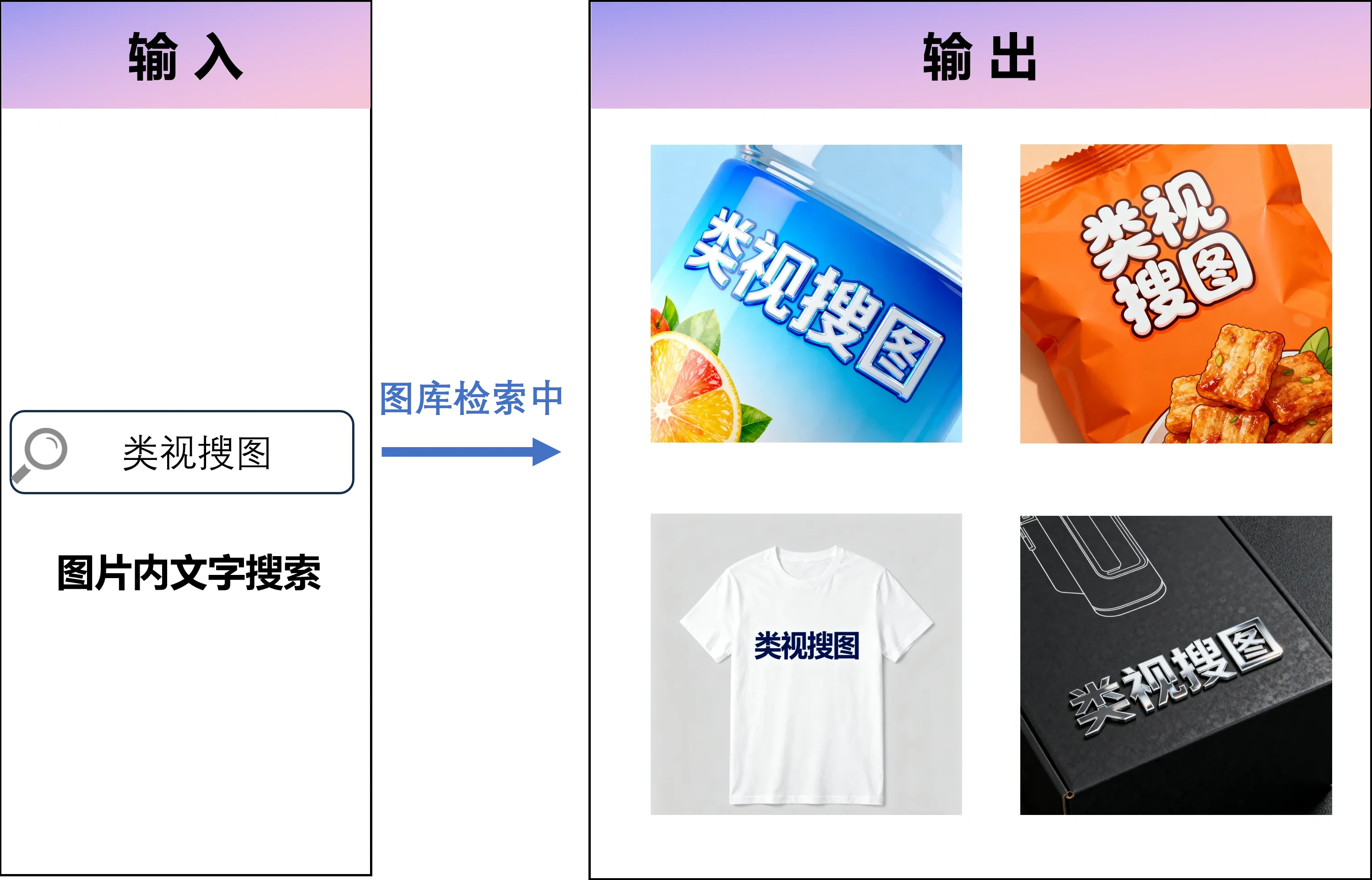
Best for
- Find images containing a specific brand name
- Locate screenshots with a specific phrase
- Retrieve document photos with important text
- Organize labeled or annotated images
Folder structure search
FlareSeek supports folder name search, so you can find images by folder path and hierarchy.
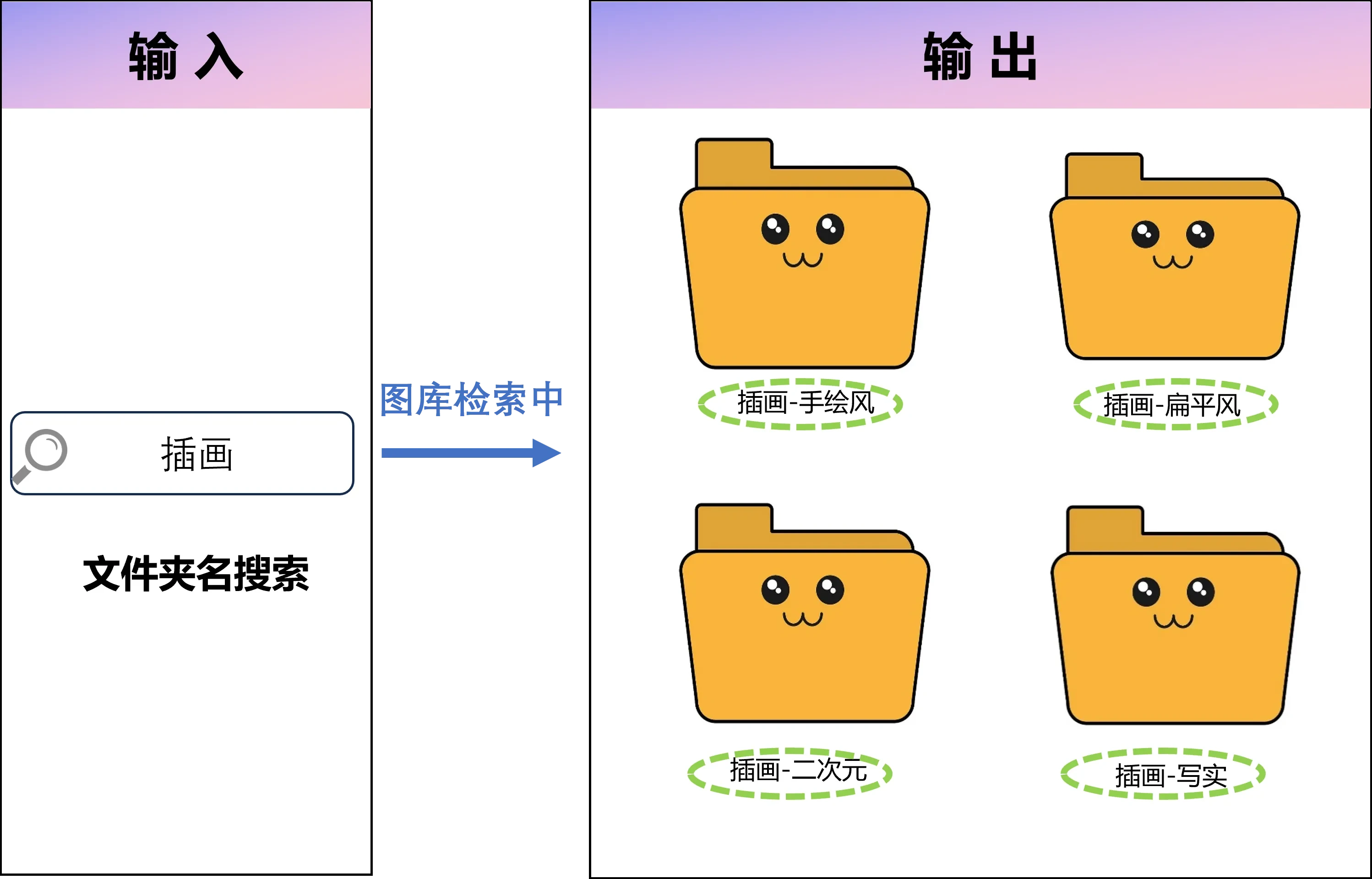
Benefits
- Search across multi-level folder paths
- Smart matching on folder keywords
- Visual folder tree navigation
- Quick access to deep directories
File name matching
File name search adds powerful fuzzy matching and batch management so file names stay consistent and searchable.
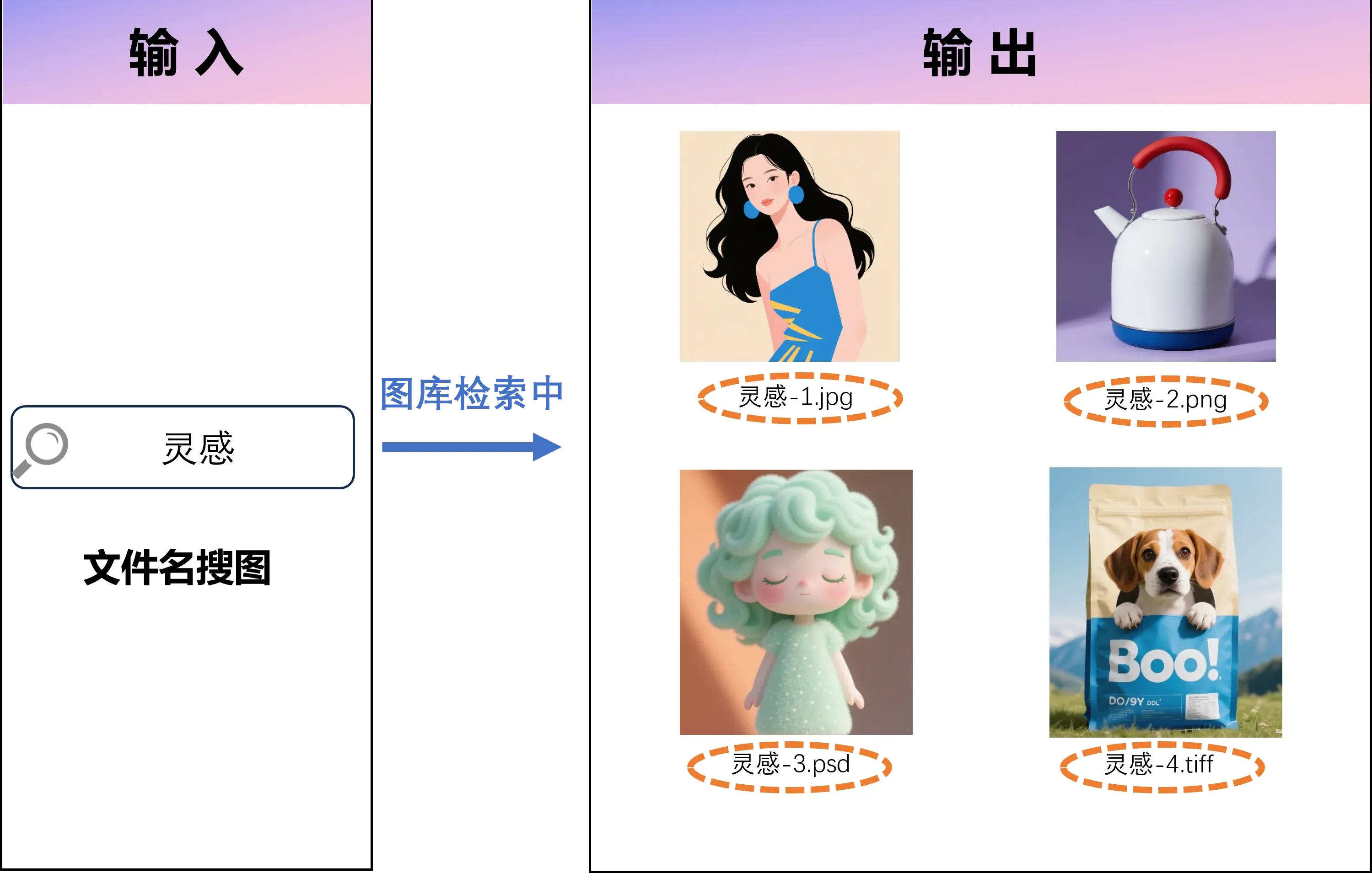
Pro-grade library management
Cross-device image search
FlareSeek supports cross-device search across local drives, network shares, NAS, and cloud folders.
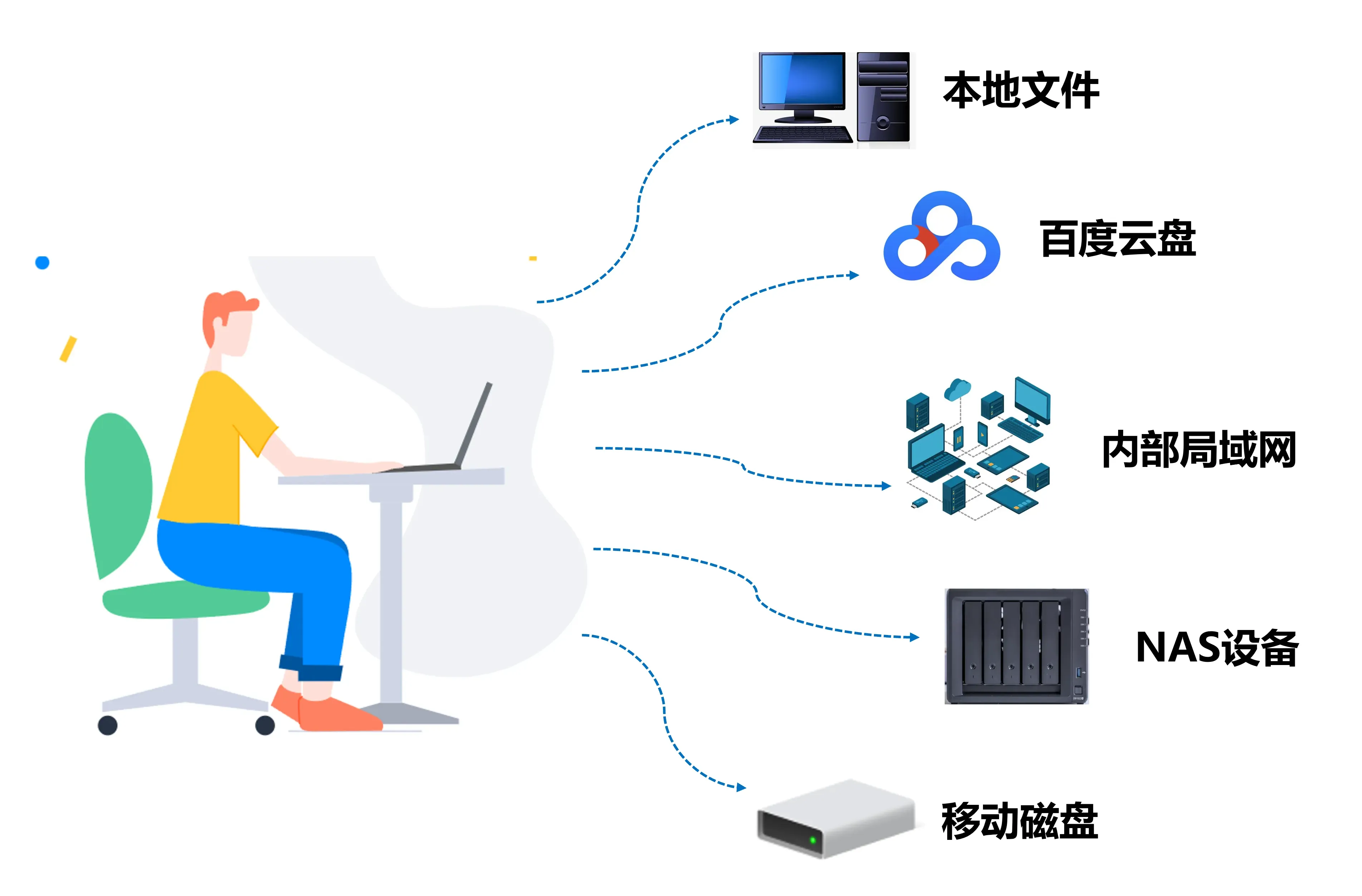
Supported storage types
| Storage type | Description |
|---|---|
| Local storage | Local disks and removable drives |
| Network share | LAN shared folders |
| NAS | Network attached storage |
| Cloud storage | Baidu Netdisk and other cloud drives |
Fast image preview
Fast preview uses optimized thumbnails so you can scan results quickly, even with large libraries.
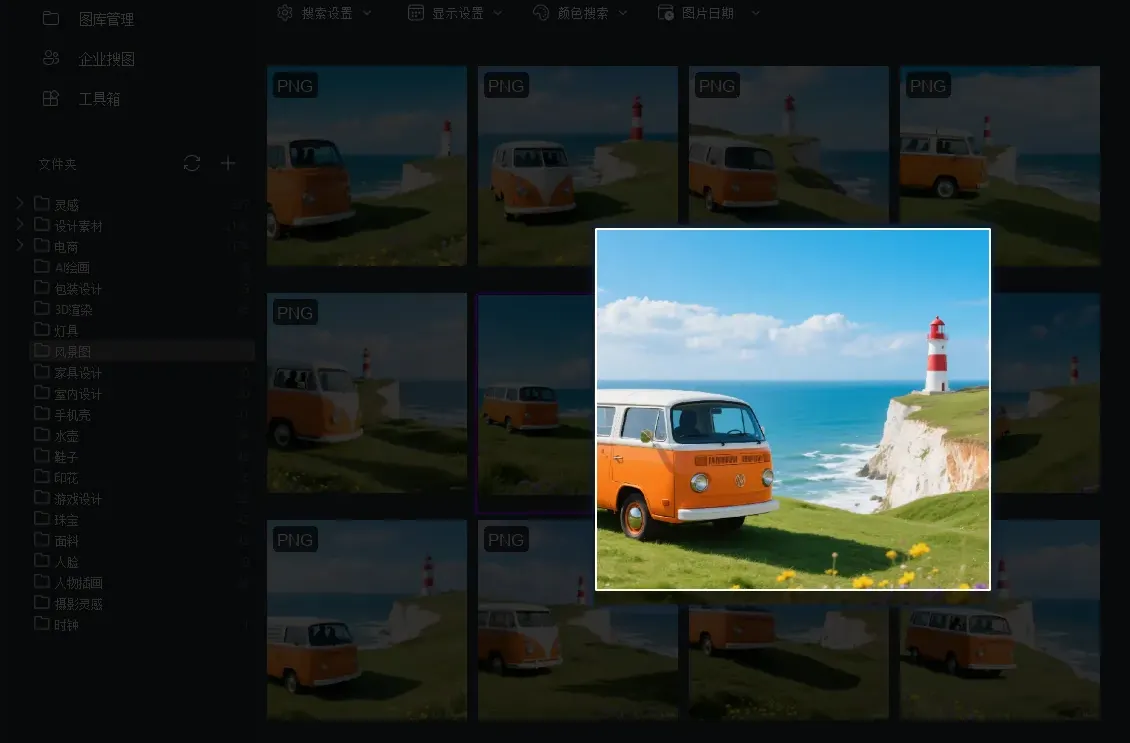
Preview highlights
- High-speed thumbnail generation
- Support for RAW and PSD files
- Batch preview mode
- Custom preview sizes
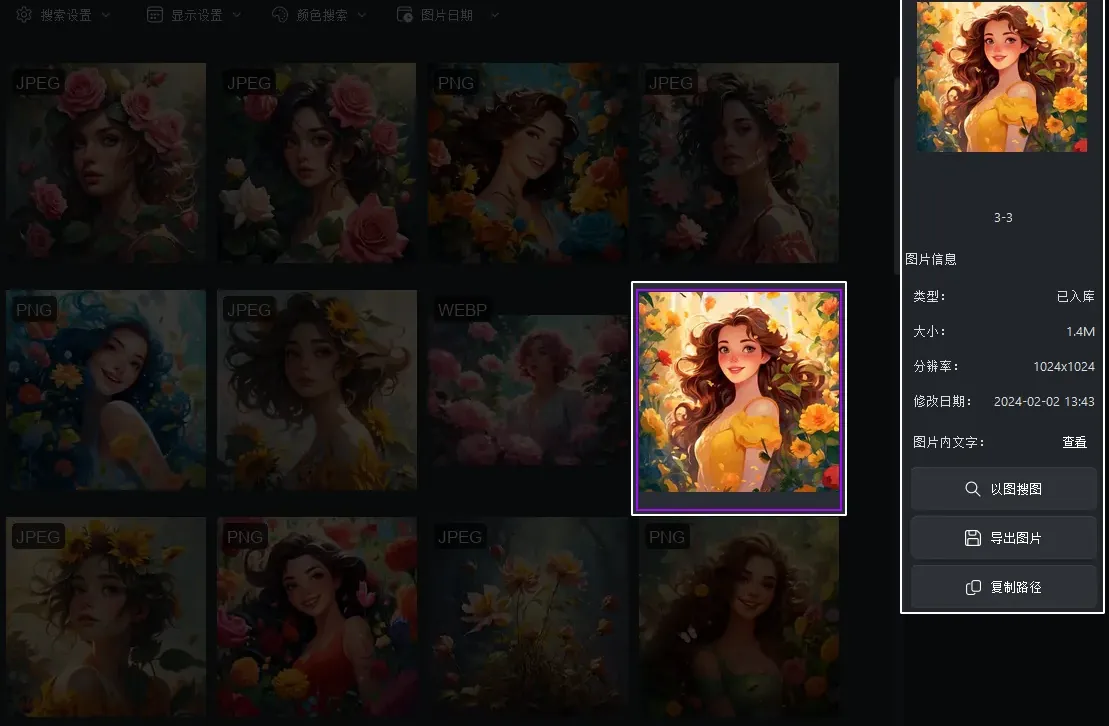
Precise location and viewing
Image view and location lets you preview in high resolution, zoom in, and jump to the source folder with one click.
Batch operations and export
Batch management and export supports batch move, copy, rename, delete, and multi-format export for fast organization.
Advanced search features
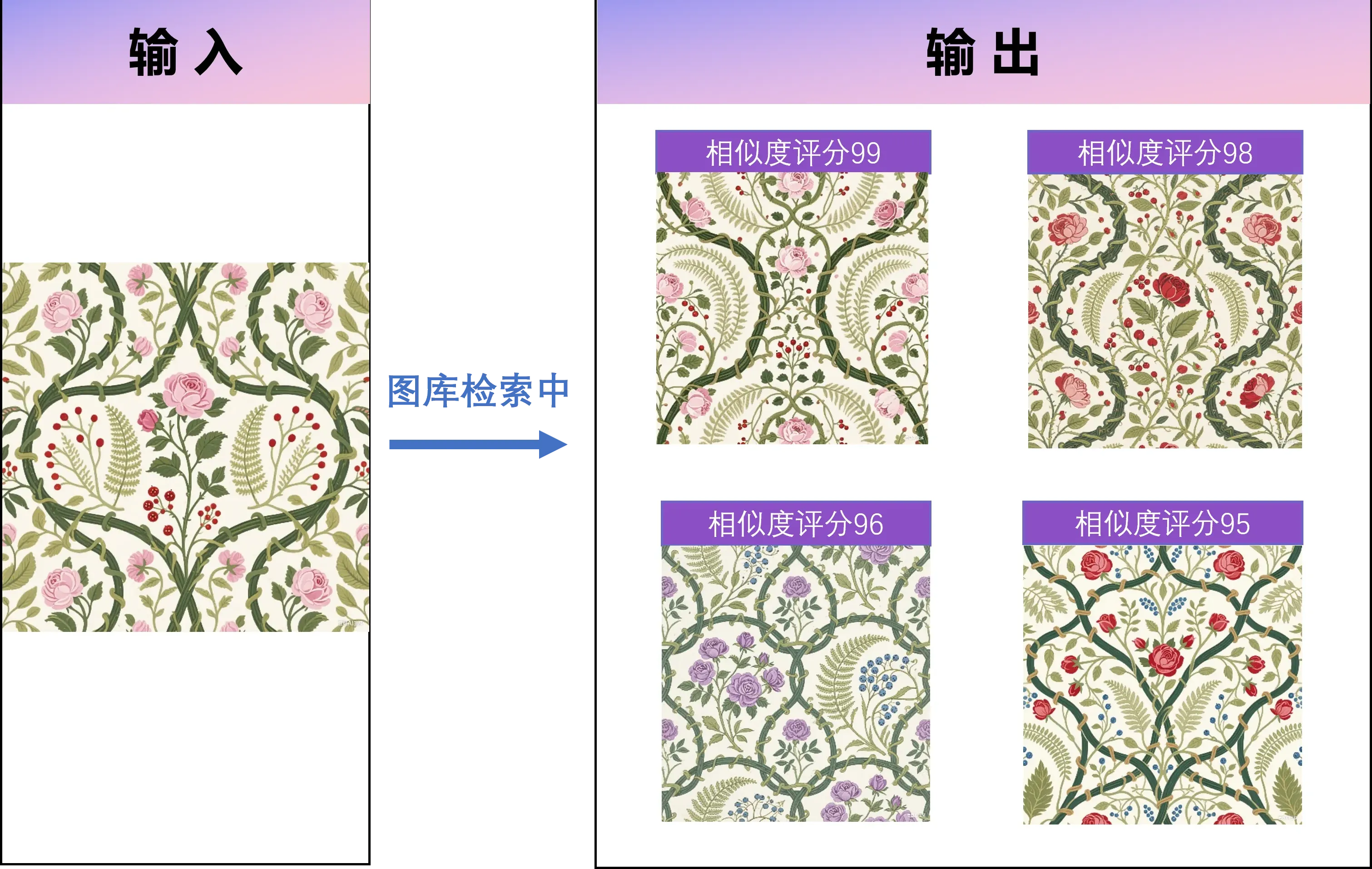
Pattern and texture recognition
Pattern and texture search analyzes textures and motifs to find similar patterns, useful for textile, decor, and design teams.
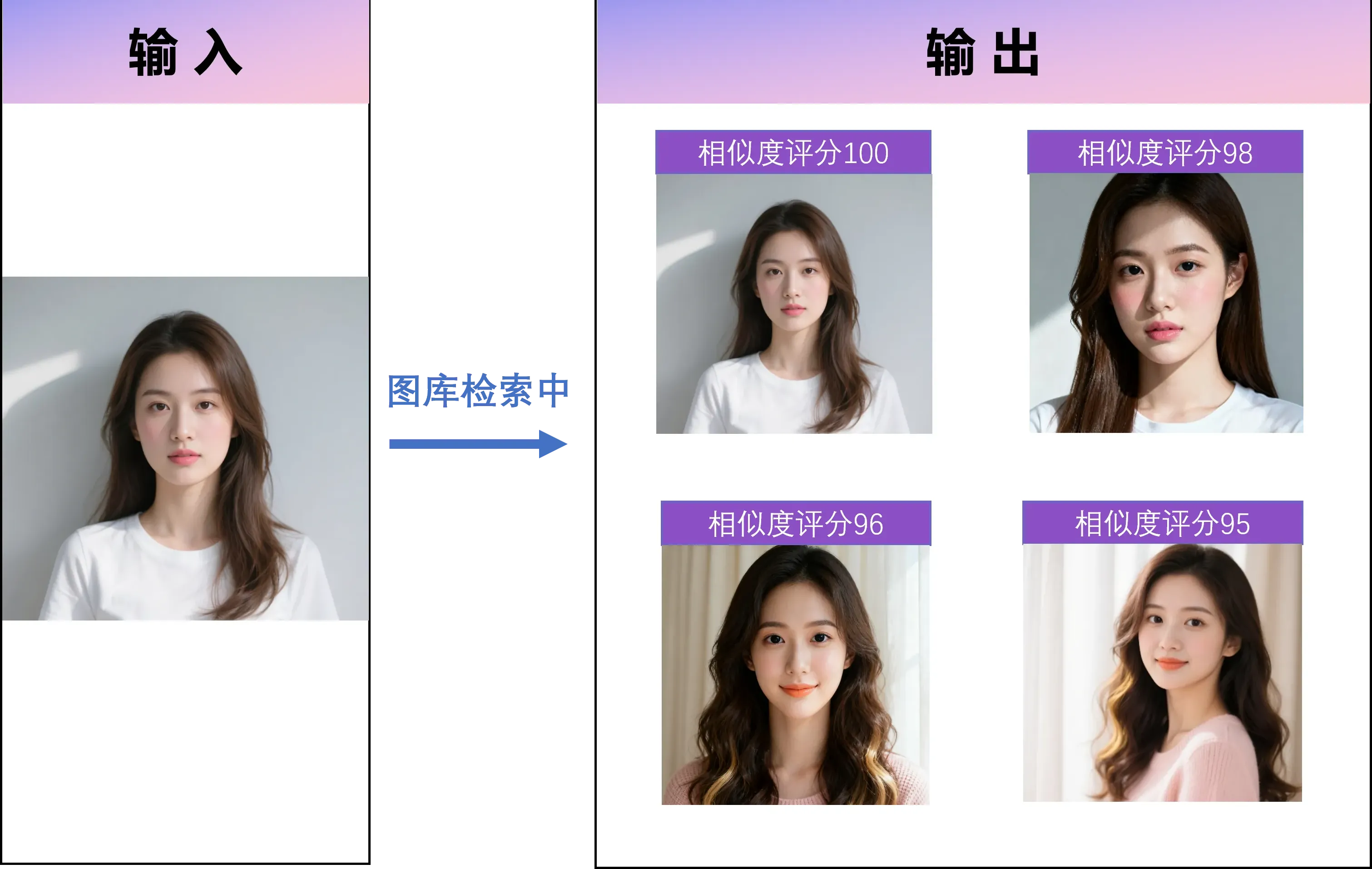
AI face search
Face search finds people in your library with multi-face detection and similarity matching.
Highlights
- High-precision face detection and matching
- Works across different angles and lighting
- Batch grouping of faces
- Privacy protected with local processing
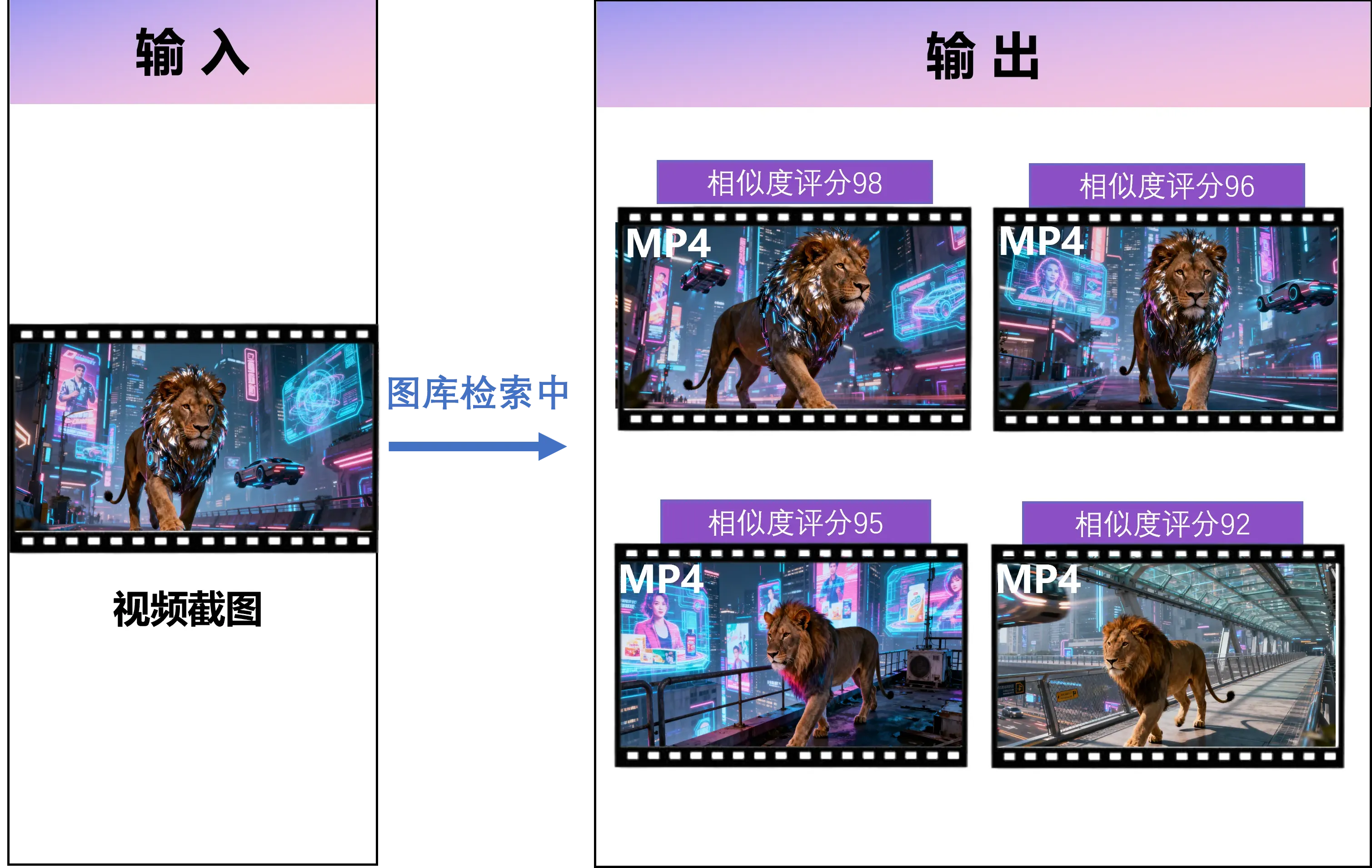
Video content search
FlareSeek also supports video search with keyframe extraction, scene recognition, and object detection to locate moments inside videos.
Enterprise solutions
Multi-user collaboration
For enterprise teams, FlareSeek offers enterprise multi-user search with private deployment and team collaboration on local libraries.

API services
Enterprise APIs provide RESTful endpoints for integration and custom workflows.

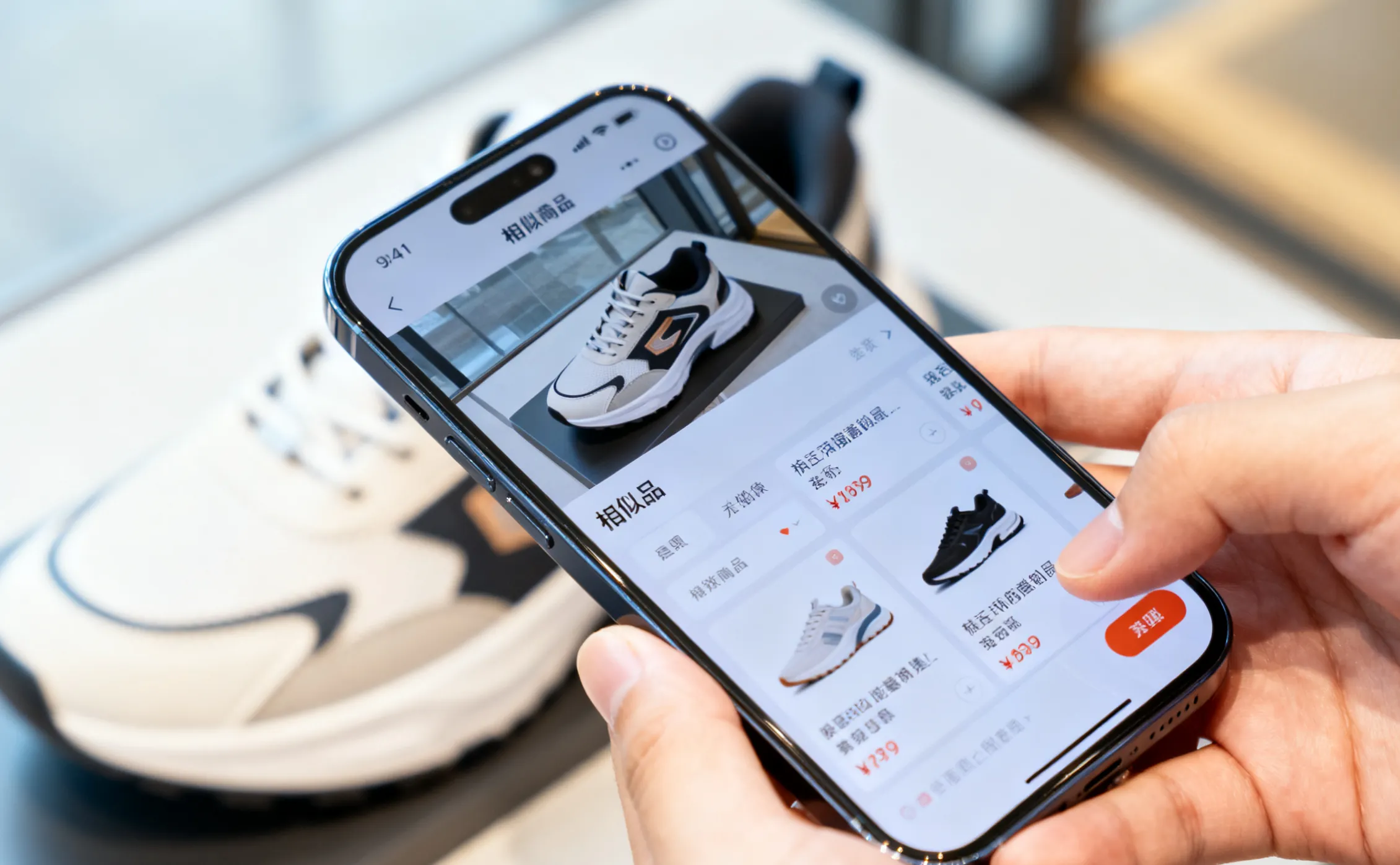
Real-time camera search
Camera capture search enables instant capture and search for on-site and mobile workflows.
Installation and usage guide
System requirements and installation
FlareSeek supports Windows 7/8/10/11. Installation is quick:
Install steps:
1. Download the installer from the official site
2. Run the installer and follow the prompts
3. Set your image library paths on first launch
4. Start searching with AI-powered image search
First-time setup
After installation, FlareSeek guides you through initial setup.
Setup flow
- Add image libraries by selecting folders
- Build the index so the AI can analyze content
- Configure search features to match your needs
- Finish and start searching
Tips and best practices
Tips to improve search efficiency
Management strategy
- Keep folder structures tidy and consistent
- Rebuild the index after adding new images
- Combine search modes for more accurate results
- Use batch operations to speed up cleanup
Search strategy tuning
Optimization tips
- Adjust similarity thresholds based on the goal
- Combine multiple keywords to narrow results
- Filter by time range when needed
- Filter by file format
User feedback and case stories
Pro feedback
Photographer Li Hua said: "As a photographer, I often need to find specific assets among thousands of images. FlareSeek lets me pinpoint what I need fast and boosts my workflow."
Designer Charles shared: "Color matching is critical for my design work. FlareSeek's color search helps me find the right images quickly, so creativity is never blocked."
E-commerce operator Huang Haoran said: "I use this tool for product image search, and it helps me find related images fast. It has massively improved my speed."
Use case stories
Case 1: Family album management
Wang Lina is a mom who uses FlareSeek face search to organize family photos:
"This face search is amazing. It recognizes people accurately and makes family albums so easy to manage."
Case 2: Design asset management
Visual designer Jason shared:
"After indexing, search is almost instant. It is a lifesaver for design work that needs frequent asset lookup."
Case 3: Content creation support
"As a content creator, reverse image search is essential for my daily work. It helps me find inspiration sources and keeps ideas flowing."
Data security and privacy protection
Advantages of local processing
FlareSeek runs fully locally, so all analysis, indexing, and search happen on your device.
Security measures
| Security measure | Explanation |
|---|---|
| No cloud transfer | Images are never uploaded to any server |
| Offline operation | Full functionality without internet |
| Privacy control | Data stays under your control |
| Encrypted index | Local indexes are stored securely |
Enterprise data security
For enterprise users, FlareSeek adds advanced security:
- Private deployment for intranet environments
- Granular permission control
- Full audit logging
- Index backup and recovery
Enterprise users: learn more about the enterprise search solution.
Future development and technical outlook
Continuous AI improvement
FlareSeek will keep pushing AI performance.
Focus areas
- Improve recognition accuracy
- Expand content recognition capabilities
- Optimize performance and response speed
- Merge multimodal signals (image, text, audio)
Ecosystem and integrations
- Third-party integrations and plugins
- Optional cloud enhancements with privacy protection
- Mobile apps for cross-platform sync
- AI assistant features for smarter suggestions
Summary
FlareSeek is a professional local reverse image search solution that helps people find images in computer folders quickly and accurately. Whether you are an individual organizing photos or a team managing a large image library, FlareSeek delivers fast search with strong privacy.
Core value
In a digital-first world, efficient image management matters. FlareSeek provides:
- Powerful local AI
- Comprehensive search options
- A smooth user experience
- Strong privacy protection
Try it now
If you are looking for a tool that solves image search pain for good, FlareSeek is worth a try.
Download now to bring AI-powered search to your image workflow.
Related links
Quick start
Feature deep dives
Industry guides
- Photographer image management guide
- Clothing image search guide
- Furniture image search guide
- Jewelry image search guide